Conversion Tracking
Part of Social conversion tracking
Deduplicating purchase events from two data sources
Deduplication solves a specific problem: the same purchase reaches an ad platform from both browser and server and must count once.
Deduplication solves a specific problem: the same purchase reaches an ad platform from both browser and server and must count once. It does not fix two real purchases being assigned the same ID, or a page firing the purchase event repeatedly before the order is final.
Give one purchase one identifier
Create the event ID from the confirmed business transaction and pass the same value through both routes. Keep the event name consistent. Platforms generally require a shared identifier and a matching event name before they will merge overlapping conversions, and each platform applies its own accepted time window, so confirm the rule for every network in use.
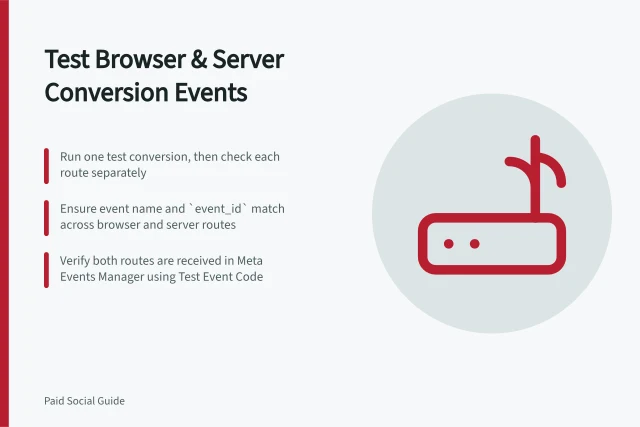
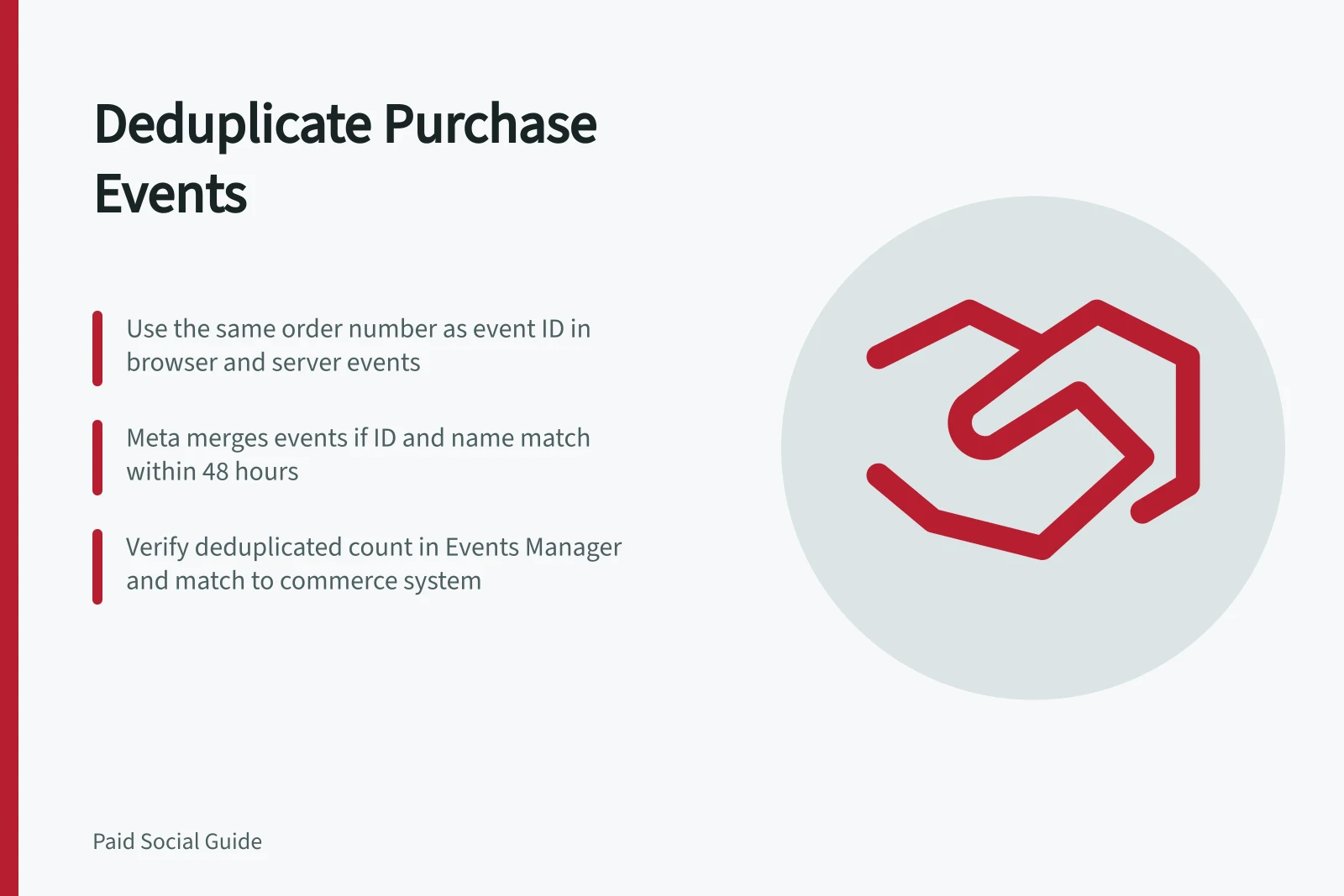
For Meta, set eventID on the browser Meta Pixel event and event_id on the server Conversions API (CAPI) event to the same value. Send event_name as Purchase in both. Meta merges the copies when both the event ID and event name match and the events arrive within 48 hours.
Use the confirmed order number as the ID if both routes can access it; otherwise, generate one unique ID once and pass it through both routes. For example, the browser Pixel and server CAPI events for the same order should carry that same order number in their respective ID fields and both use Purchase.
Do not generate a fresh random ID separately in the pixel and the server job. Do not recycle an ID for different orders. Check retry behaviour: a server queue should resend the same ID for the same purchase. If an order is edited later, decide whether that change is a distinct event or a correction to the original, and document the platform's supported approach.
Verify the final count
Run a controlled transaction and inspect browser, server and platform diagnostics. For Meta, open Events Manager and check the per-event deduplicated count; confirm the browser and server copies use the same ID and event name. Then reconcile against the commerce system: one confirmed order should not become two platform purchases merely because two routes delivered it. Check value and currency at the same time; a deduplicated but wrong-value event is still wrong.
Monitor the ratio of browser-only, server-only and deduplicated events after launch. A sudden shift can indicate a pixel outage, API failure, consent change or ID mismatch. Interpret the diagnostic with platform processing delays in mind and investigate before changing bidding or declaring a campaign improvement.
Key Deduplication Metrics to Monitor Post-Launch
- Browser-only events
- Indicates no server delivery — check API health or consent settings
- Server-only events
- Suggests pixel failure or tracking delay — investigate browser-side issues
- Deduplicated events
- Expected outcome: one purchase counted once despite dual delivery
- Event count ratio shift
- Sudden change may signal outage, consent change, or ID mismatch