Audience Targeting
Part of Retargeting through social advertising
Separating product viewers from abandoned checkouts
A product view and a started checkout are different steps. Combining them into one retargeting audience can lead to a message that assumes a visitor almost bought …
A product view and a started checkout are different steps. Combining them into one retargeting audience can lead to a message that assumes a visitor almost bought when they merely read a description.
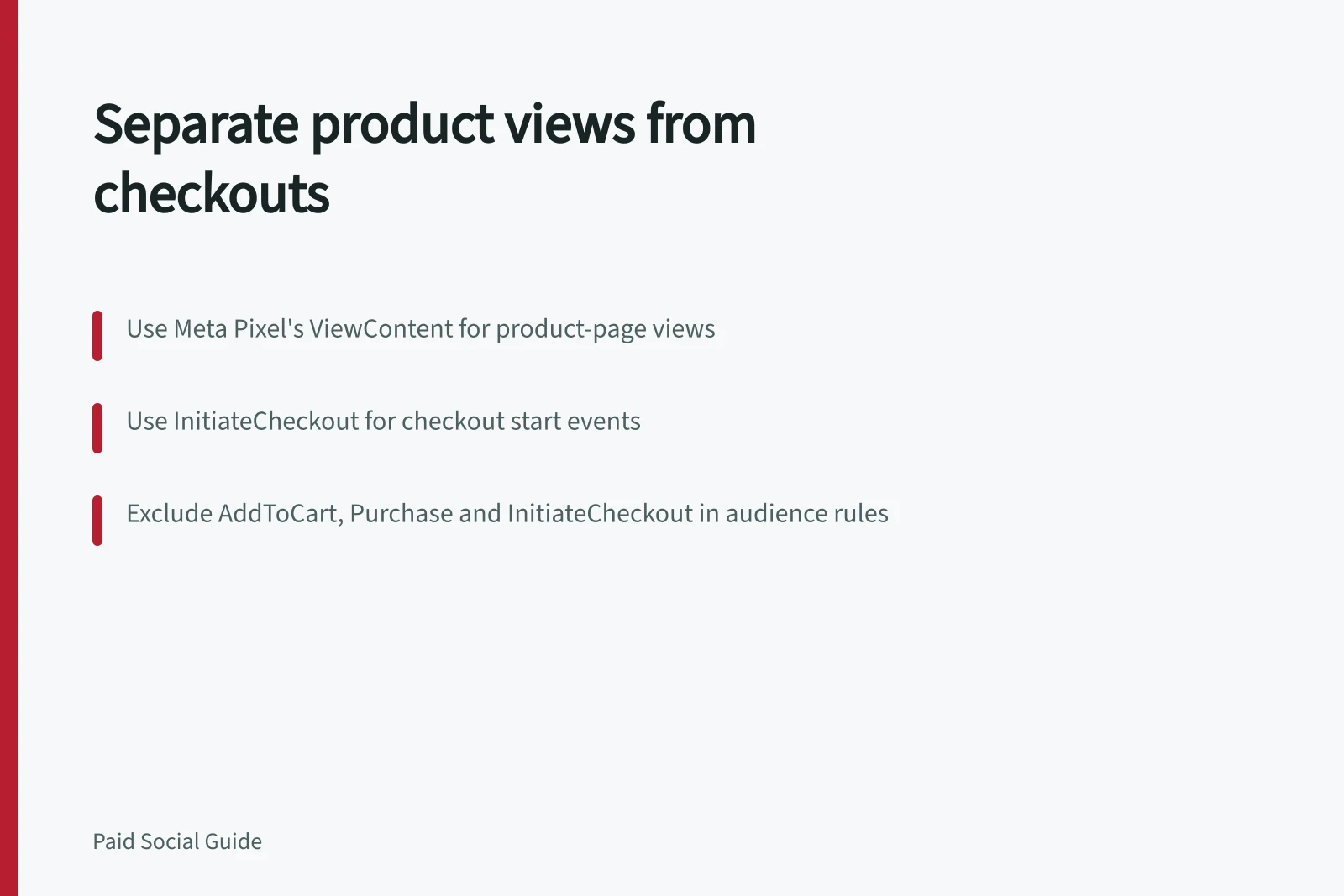
For Meta website audiences, use the Meta Pixel standard events ViewContent for a product-page view and InitiateCheckout for a checkout start. AddToCart records items added to a shopping cart, while Purchase records a completed transaction.
In Meta Ads Manager, go to Audiences and choose Create Audience → Custom Audience → Website. Choose your pixel and select the event for the audience; repeat these steps to build the other audience.
Build the product-view audience with ViewContent, excluding AddToCart, InitiateCheckout and Purchase. Build the checkout audience with InitiateCheckout, excluding Purchase; these event exclusions keep checkout starters out of the product-view group and observed purchasers out of both acquisition reminders.
Use Events Manager to inspect the event names, then test the product page, add-to-cart action and checkout start on mobile and desktop. Confirm that repeat page loads do not inflate the count, and check that Purchase records completed transactions.
For product viewers, useful creative may answer compatibility, size or delivery questions. For checkout starters, confirm whether the cart can be resumed and whether advertised terms remain valid.
Do not invent a cause such as “you forgot” or “your payment failed”; the platform signal does not reveal motivation. Compare each segment's reach, frequency and qualified return actions.
A high checkout conversion rate may reflect stronger initial intent rather than a superior ad. Where privacy rules or missing consent limit event collection, report the measured population rather than implying every visitor was tracked.
Consider whether event collection is necessary and proportionate.
Product Viewers vs Checkout Starters: Key Differences in Meta Pixel Events
- Event TypeViewContent (product view)
- Event TypeInitiateCheckout (checkout start)
- Audience FocusUsers who viewed a product but did not add to cart or start checkout
- Audience FocusUsers who began checkout but did not complete purchase
- Creative StrategyAnswer questions about size, compatibility, delivery times
- Creative StrategyConfirm cart can be resumed and terms remain valid
- Avoid AssumptionsDo not assume 'you forgot' or 'payment failed' without data
Building Segmented Retargeting Audiences in Meta Ads Manager
- Step 1Go to Ads Manager → Audiences → Create Audience → Custom Audience → Website
- Step 2Select your Meta Pixel and choose the event: ViewContent for product viewers
- Step 3Exclude AddToCart, InitiateCheckout, and Purchase events to avoid overlap
- Step 5Use Events Manager to test on mobile and desktop; verify no duplicate tracking
Privacy and Compliance Considerations for Tracking Pixels in Australia
- Regulator
- Office of the Australian Information Commissioner (OAIC)
- Key Obligation
- Ensure consent is obtained before collecting personal information via tracking pixels
- Best Practice
- Report measured population size rather than implying universal tracking
- Data Minimisation
- Only collect events necessary and proportionate to campaign goals