Audience Targeting
Part of Paid social audience targeting
Configuring TikTok purchaser exclusions and audience refresh
Build a TikTok purchaser audience from website events or a customer file, apply it under Exclude audience, maintain refresh and check size and assignment.
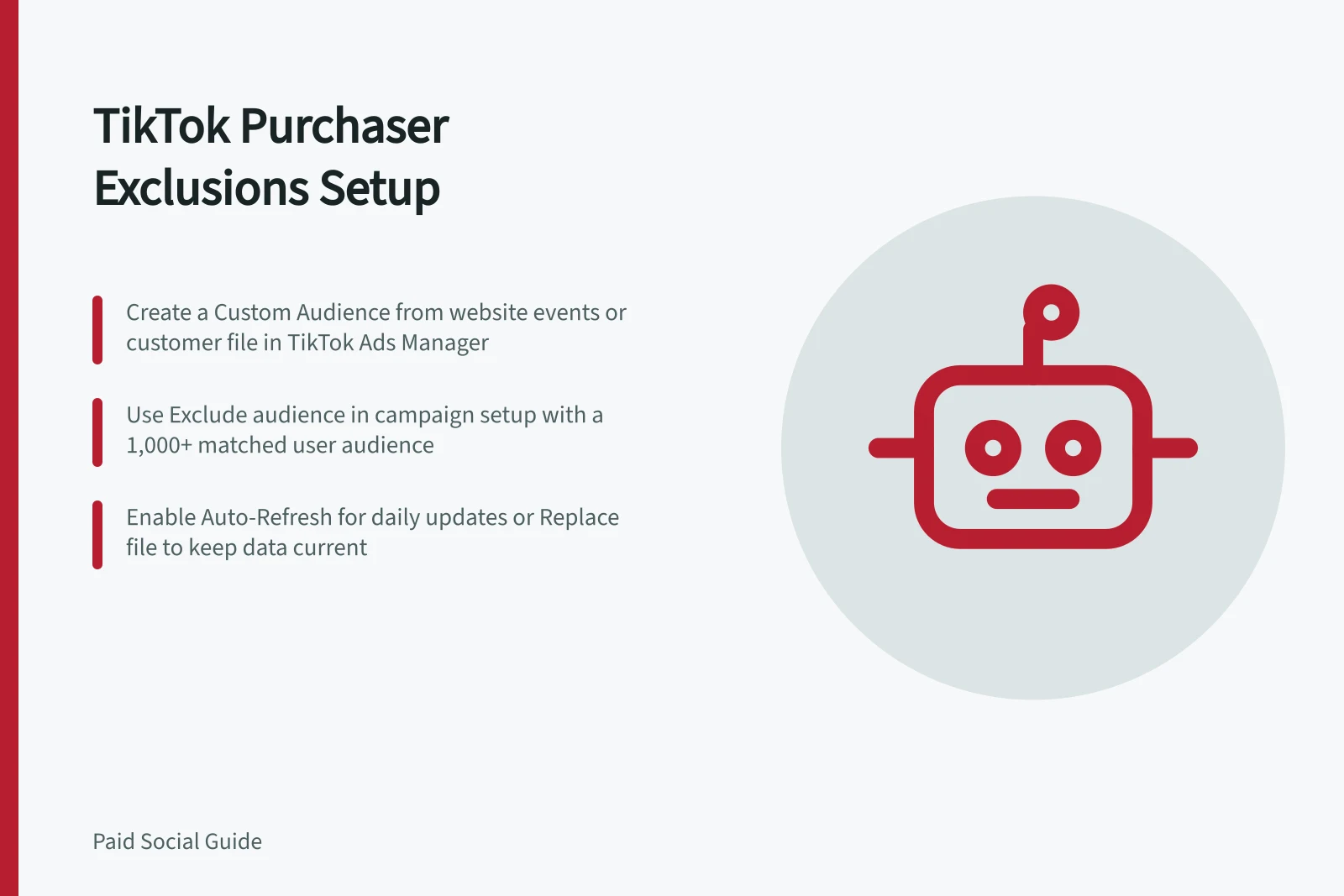
Create a TikTok purchaser Custom Audience from a usable website event or customer file, select it under Exclude audience in the intended campaign setup, and keep that source current.
Choose the source the account can use
For a website audience, confirm that the TikTok Pixel and the intended purchase event are set up. In TikTok Ads Manager, go to Tools → Audience → Create Audience → Custom Audience → Website Traffic. Under Include, choose the purchase event, its lookback period and the correct pixel. Name the audience so its source and period can be recognised without putting customer details in the name.
The Website Traffic builder also has Exclude People. That option removes people from the audience being built. It is different from selecting the completed purchaser audience in a campaign's Exclude audience control. For a purchaser suppression audience, check that the purchase event is included in the source audience, then exclude that audience at campaign setup.
If purchases are held in a customer file, use Tools → Audience Manager → Create Audience → Custom Audience → Customer File and upload the file. TikTok's published upload requirements include a CSV or TXT file with a header identifying the ID type and at least 1,000 entries. The IDs may include email addresses or phone numbers.
A file with 1,000 entries is not necessarily usable: TikTok requires 1,000 matched users for a Custom Audience to be available in an ad group. Check the audience's status and matched size after processing. An uploaded list can take 24–48 hours to become available.
Choose an exclusion period for the particular acquisition message before building the website audience. For a file, create and maintain a cohort containing the purchasers who currently meet that rule; the file upload does not itself create a rolling purchase window. Record the period and source outside the audience name.
Setting up TikTok purchaser exclusions and audience refresh
- Confirm TikTok Pixel and purchase event setupEnsure the TikTok Pixel is installed and the intended purchase event is tracked on your website.
- Create a Website Traffic Custom AudienceIn TikTok Ads Manager, go to Tools → Audience → Create Audience → Custom Audience → Website Traffic. Select the purchase event, lookback period, and correct pixel.
- Use customer file for offline purchasesUpload a CSV or TXT file with at least 1,000 entries containing email or phone numbers via Tools → Audience Manager → Customer File.
Place the exclusion in an eligible campaign flow
For a TikTok website sales example, create a campaign with Sales as the objective and Website as the sales destination. Audience exclusion is an available Smart+ Web setting. In the upgraded Smart+ audience module, choose the purchaser Custom Audience under Audience controls → Exclude audience, then review the selection before submitting the campaign.
Exclusion is a control in TikTok's documented automatic-targeting mode; included audiences and interests are suggestions there. If the account uses Switch to custom targeting, use its Exclude audience setting and inspect the final ad-group targeting summary.
Confirm that the chosen audience is in the exclusion field, not the inclusion field, and that it is applied to each intended ad group. Account-level Audience Controls can prefill an exclusion in new ads, but those settings can be overridden during campaign creation; inspect each campaign's saved setting.
Applying exclusion in campaign setup
- Campaign objectiveSelect 'Sales' as the objective with 'Website' as the destination.
- Enable Smart+ Web targetingUse the upgraded Smart+ audience module to access 'Exclude audience' under Audience controls.
- Select purchaser audience for exclusionChoose the created Custom Audience under 'Exclude audience'. Verify it's not in the inclusion field.
- Review ad-group applicationConfirm the exclusion is applied to each intended ad group. Account-level settings may be overridden during creation.
Keep the audience current
For a Website Traffic audience, TikTok shows an Auto-Refresh toggle during creation and says it is on by default. When enabled, it refreshes daily using the selected timeframe.
The on/off choice cannot be changed later: create a new audience if the refresh setting must change, then replace the old exclusion assignment in the relevant ad groups. Auto-refresh may be unavailable for audiences under 1,000 people.
Customer File audiences use uploaded data. They support Add, Remove and Replace operations. Add contributes new data, Remove takes out existing data, and Replace substitutes the uploaded data while retaining the audience ID.
Use Replace when a full current purchaser cohort should supersede the old file; use Add or Remove only when the changes accurately maintain that cohort. After an upload, inspect processing and audience history. A successful upload alone does not show that the intended people matched.
Audience refresh and update requirements
- Auto-Refresh (Website Traffic)Enabled by default; refreshes daily using selected timeframe. Cannot be changed later.
- Minimum matched usersAt least 1,000 matched users required for audience use in ad groups.
- Customer File operationsUse 'Replace' for full cohort updates; 'Add' or 'Remove' only when maintaining the cohort accurately.
- Processing timeUploaded files take 24–48 hours to process and become available.
Diagnose a failed update
| Finding | Inspect |
|---|---|
| Audience unavailable or too small | Source event or file status, processing, matched users and the selected period. TikTok's 1,000-matched-user ad-group rule may prevent use. |
| Website audience stops changing | The purchase event and pixel, original Auto-Refresh choice, and whether the intended event still reaches TikTok. |
| File audience remains stale | Whether the latest file was processed and whether Add, Remove or Replace matched the intended cohort rule. |
| Campaign has no effective exclusion | The saved Exclude audience selection and the audience's ad-group application details. |
TikTok's campaign audience estimate is an estimate of potential reach, not a count of excluded purchasers or a promise of delivery.
Diagnosing failed audience updates
- Audience unavailable or too smallCheck source event status, processing, matched users, and selected period. Ensure ≥1,000 matched users.
- Website audience stops changingVerify the purchase event and pixel are still sending data to TikTok; confirm original Auto-Refresh setting.
- File audience remains staleConfirm latest file was processed and operation (Add/Remove/Replace) matches intended cohort rule.
- No effective exclusion in campaignDouble-check saved 'Exclude audience' selection and its application across ad groups.