Catalogues
Part of Paid social product catalogue campaigns
Grouping catalogue products by margin and availability
Define margin and saleability rules for catalogue product groups, then check feed labels and the resulting product sets.
Build catalogue product sets by crossing a business-defined margin label with each variant’s sellability status. TikTok for Business calls the feature Product Sets; keep decisions at variant level when variants differ, and use the approved label without exposing underlying costs to the advertising platform.
Define the commercial rule
Choose whether the decision applies to a sellable variant, parent product or category. Variants can have different prices, costs and delivery requirements, so a parent-level margin label may conceal material differences. Define which variable product, fulfilment, payment and expected return costs count in the comparison, then apply the same method to every item being compared.
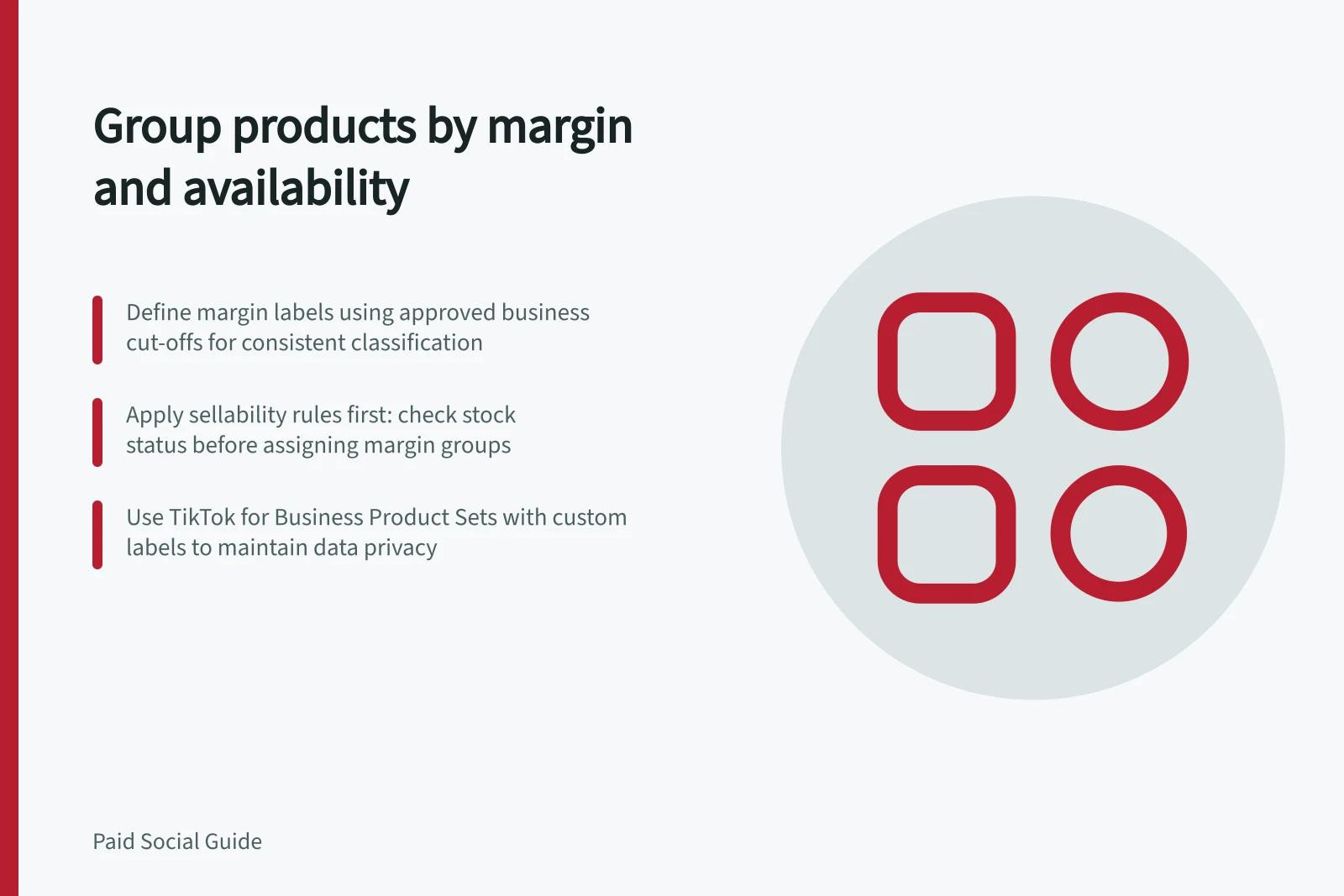
Set business-approved cut-offs for the margin labels before classifying products; the cut-offs depend on the business’s rule. Assign an owner to the source calculation and record when it was refreshed. Discounts, supplier costs and delivery charges can change a product’s group, so the advertising team should use the approved label rather than infer margin from platform-reported revenue.
Apply availability first
Check each variant against the store’s sellability rule before applying its margin label: available now, available to order under stated terms, preorder under stated terms, or unavailable. An attractive margin does not justify promoting an item the business cannot fulfil. Resolve uncertain stock status before including the item.
| Example group | Business meaning | Possible promotion decision |
|---|---|---|
| Eligible core | Saleable with acceptable contribution | Include in the normal promoted range |
| Eligible selective | Saleable, with margin or fulfilment constraints | Use a narrower selection or review before inclusion |
| Unavailable | Cannot fulfil the advertised offer | Exclude until the status is confirmed to have changed |
Treat sellability as a separate grouping dimension from margin. Use a consistent set-name pattern such as [margin label] — [sellability status], and keep unavailable variants out of campaign sets.
These are example business labels, not platform-defined categories or performance predictions.
Product Grouping by Margin and Availability
- Eligible core
- Saleable with acceptable contribution
- Eligible selective
- Saleable, with margin or fulfilment constraints
- Unavailable
- Cannot fulfil the advertised offer
Build and maintain the product set
In TikTok for Business, use Product Sets to group catalogue items. If the account supports it, export a documented decision label and filter products by that attribute; if the feed supports custom labels, use a supported custom-label attribute for the approved decision without exposing underlying costs. Product sets can be built in different ways depending on the account, and account and market limitations may apply.
Apply the same grouping pattern to variant sellability data, using the catalogue’s available stock information and the store’s sellability rule. The business statuses above are not guaranteed feed values, so do not assume they are literal availability values. Inspect the resulting items after updates, as membership may change when attributes change.
A reviewed SKU list may be easy to manage for a small range. A filter may suit a changing range if someone inspects its resulting items after updates. Keep rules simple enough to explain when an item enters or leaves a set.
After a promotion, cost change or stock update, sample items near group boundaries. Compare the internal calculation, exported label, imported item and final set. Review the set’s size and remove unavailable items before relying on it for a campaign.
Steps to Build and Maintain Product Sets in TikTok for Business
- Define business-approved margin cut-offs and assign ownership
- Apply sellability rule before assigning margin labels
- Use consistent naming[margin label] — [sellability status]
- Export approved decision labels; filter using custom attributes if supported
- Review set membership after cost changes, promotions or stock updates
Key Metrics for Product Set Management
- Margin cut-offs
- Business-defined thresholds
- Sellability status
- Available now / to order / preorder / unavailable
- Set refresh frequency
- After cost changes, promotions, or stock updates