Account Structure
Part of Social lead generation ads
Adding qualification questions without losing every response
Choose qualification questions that change the next action, fit platform limits and help produce usable enquiries.
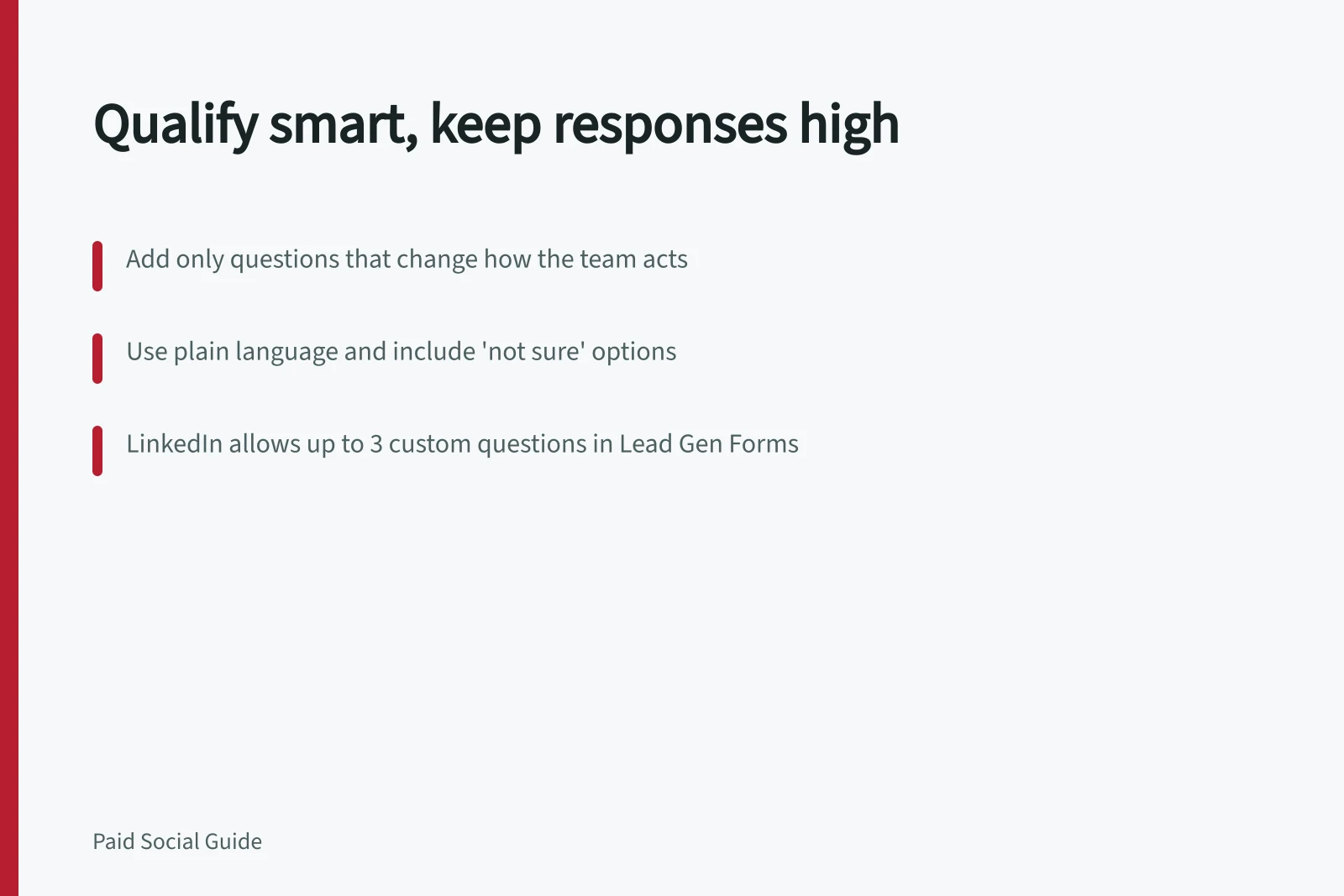
Add a qualification question only if its answer changes whether or how the team responds. Begin with the smallest set needed to identify a workable enquiry, then review submissions and qualified outcomes. A longer form helps only when the extra information improves the next step.
Give every question a job
For each proposed question, complete the sentence: “If the answer is X, we will do Y.” A suburb may determine which office responds; a requested service may identify the right specialist. If no action changes, ask during follow-up or explain the issue in the ad instead.
Separate eligibility from discovery. Eligibility establishes whether the business can fulfil the request; discovery helps tailor a conversation. A home-service business, for example, might need a suburb and service type before assigning an enquiry, while detailed property history can wait. Put essential restrictions where people can see them before submitting.
Make answers usable
Use plain wording and answer choices that cover realistic cases. Offer “not sure” when uncertainty is genuine, rather than forcing a guess. Explain units in any range. Avoid collecting sensitive details merely to improve a lead score.
Work within the form’s controls
LinkedIn’s published Lead Gen Form specifications list up to three optional custom questions, recommend three to four fields and list twelve fields as the maximum. The three-to-four-field figure is LinkedIn’s recommendation, not a proven optimum for every campaign.
TikTok Instant Forms support short-answer and multiple-choice custom questions. One multiple-choice question can be designated as a qualifying question to categorise leads and send them to different final pages.
TikTok also offers Conditional Answer, which dynamically displays answer options based on the response to the previous question. If an existing website qualification flow cannot be reproduced in-app, a website form may suit the request better.
Platform Limits for Lead Generation Forms (Australia)
- LinkedIn Max Fields
- 12
- LinkedIn Recommended Fields
- 3–4
- TikTok Multiple Choice Questions
- Supports qualifying questions with conditional logic
- TikTok Conditional Answer Feature
- Dynamically shows options based on prior responses
Review the trade-off
Compare a shorter form with one that adds a necessary question while keeping the offer and follow-up process consistent. Record submissions, contactable records, qualified enquiries and reasons for disqualification. A fall in submissions may indicate friction, clearer eligibility or both. Check whether the number of suitable enquiries and the work needed to handle them actually improve.
Keep the qualification definition stable during the comparison. The form needs enough information for a useful first response, while leaving detailed discovery for the conversation.