Creative Testing
Part of Paid social landing pages
Matching an ad promise to the first page section
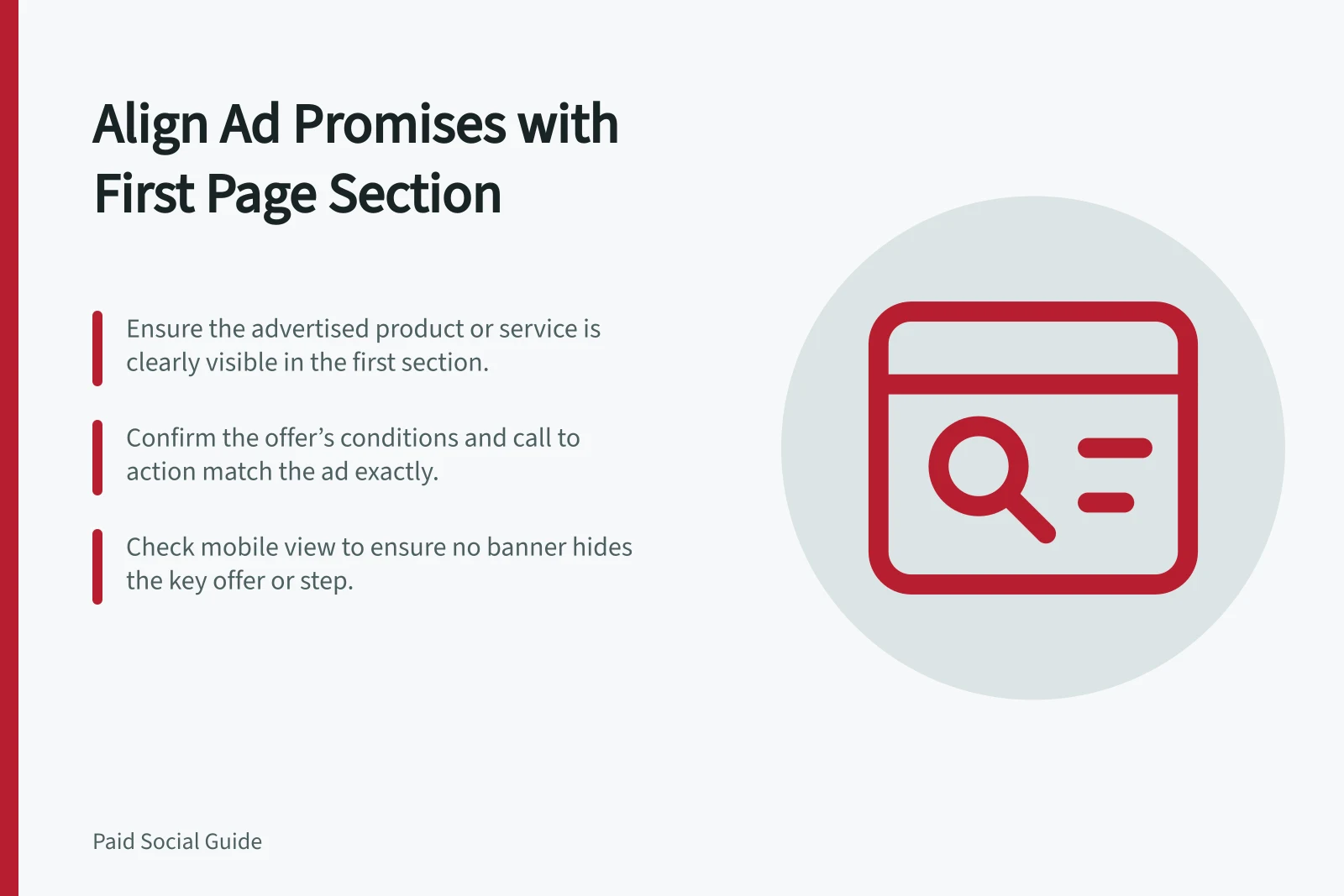
Check the first section of a paid social landing page against the ad's product, offer, conditions and next action.
The first section of a landing page should confirm visitors reached the offer shown in the ad. Identify the advertised product or service, its relevant benefit or information, any material condition and the matching next step before visitors have to search.
Turn the complete ad into a page check
Read the image or video, on-screen wording, caption and call to action together. Summarise the promise in one sentence, then compare it with the page's first section.
Ad element / First-section check
- Product or service
- Is the same item or service identifiable?
- Offer or benefit
- Is the claim accurate, with its relevant condition?
- Visual
- Does the page show the same model, range or service?
- Call to action
- Does the page provide the promised step?
The wording need not be identical. It must preserve what a reasonable visitor would understand from the ad.
Keep conditions close to the claim
Consider an ad for a storage unit with delivery in selected Australian areas. The first section should identify the unit and make the delivery area easy to check. ‘Australia-wide delivery’ would misstate that offer.
If the ad shows one model but the page defaults to another, identify the difference before a visitor acts.
The ACCC can require businesses to back up claims they make about their products or services. Check current product and fulfilment records when reviewing the ad and page together.
Key Compliance Risks in Ad-to-Page Matching
- ACCC enforcement on misleading claims
- Businesses must substantiate claims under Australian consumer law
- TikTok Ads Policy requirement
- Ad content must match landing page experience
- Common mismatch issue
- Ad shows one product, page defaults to another
Inspect the first screen on a phone
Open the exact destination. Check whether a banner, carousel or large image pushes the offer and action out of view. Read the section after it finishes loading and with enlarged text.
If the ad promises one item but the first visible button leads to a general catalogue, provide a clear route to that item.
A reviewer unfamiliar with the campaign can read the ad, open the page and describe the offer they understand. Compare that description with the current approved offer.
If the page is accurate but the ad overpromises, correct the ad. If the ad is accurate but the page hides the offer, change the first section or destination. Recheck both after material price, product or service-area changes.