Creative Testing
Part of Paid social creative planning
Matching the creative format to a placement
Choose image, video and carousel assets for their placements, then check crops, safe zones and previews against current specifications.
Choose a format that can carry the product, essential wording, material conditions and next action in the placement where the ad will appear. Then preview the complete ad there. An upload being accepted does not show that its message will remain visible.
Start with what must stay visible
List the placements selected for the campaign and mark what cannot be cropped away: the product variant, a qualification, a demonstration step or the next action. Decide whether the message needs movement, several frames or one clear image. Video can show a process; a still can make one labelled feature easier to inspect; a carousel can separate steps or products when that format is available.
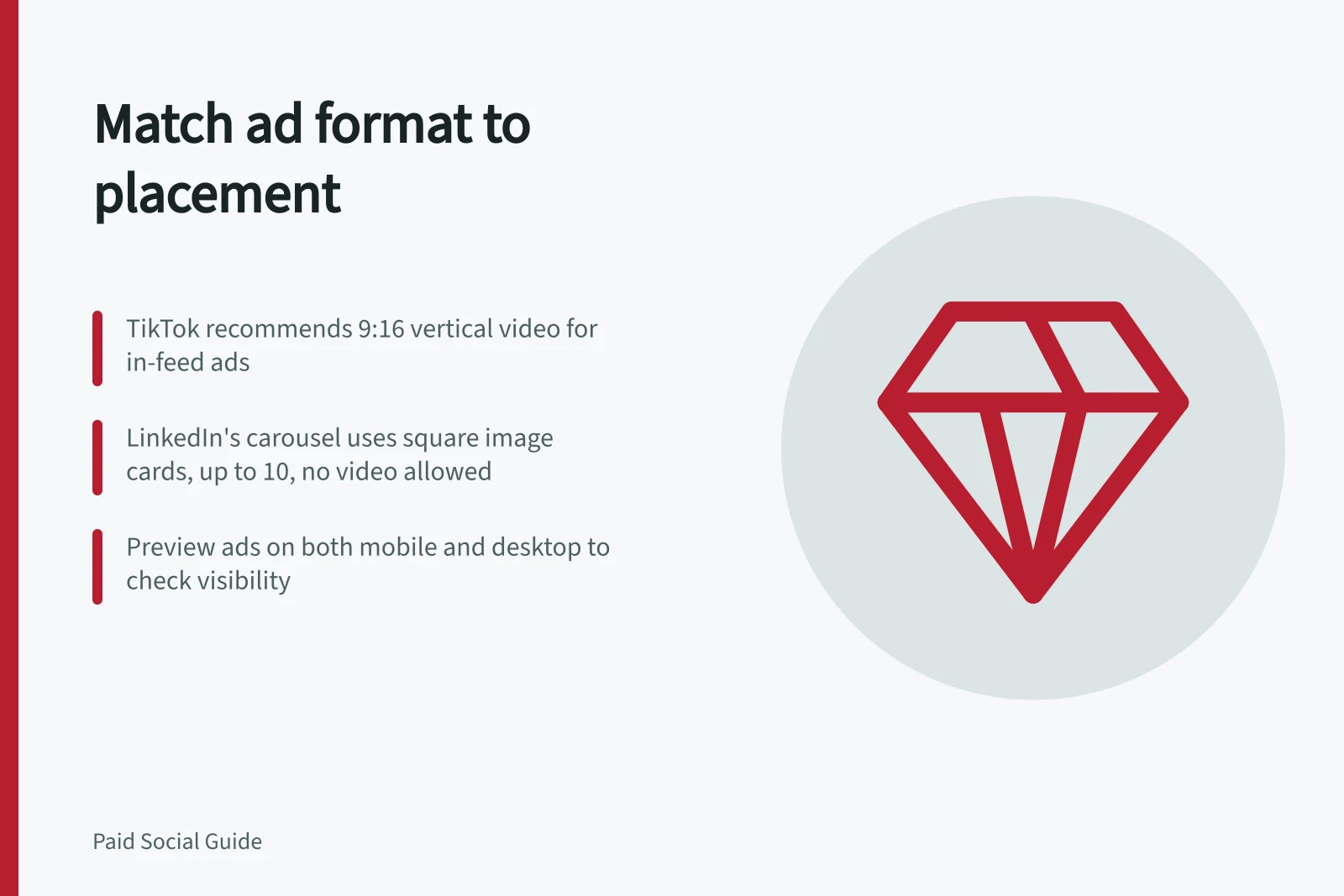
The platform and ad format set the options. TikTok recommends vertical 9:16 for non-Spark auction in-feed video, but also lists horizontal and square dimensions.
LinkedIn's horizontal and square single-image ads deliver on desktop and mobile; vertical single images deliver on mobile only.
LinkedIn lists vertical, square and landscape video ratios. Its carousel format uses square image cards and does not support video cards. These specifications do not predict which format will perform best for an advertiser.
| Planned use | Asset to prepare | Check before approval |
|---|---|---|
| TikTok non-Spark auction in-feed video | A vertical edit that keeps the product and wording visible | Safe-zone guide and ad preview |
| LinkedIn feed single image for desktop and mobile | A horizontal or square image | Crop, legibility and destination |
| LinkedIn carousel | A sequence of square image cards | Card order, headlines and destinations |
| LinkedIn video | An edit in an accepted ratio | Opening frame, captions, crop and destination |
Platform-specific creative format requirements for TikTok and LinkedIn
- Platform
- TikTok
- Recommended format
- Vertical 9:16 video (non-Spark auction in-feed)
- Supported ratios
- Vertical, horizontal, square
- Safe zone considerations
- Depends on dimensions, caption length, and additional formats; preview required
- Platform
- Single image (desktop & mobile)
- Horizontal or square
- Single image (mobile only)
- Vertical
- Video ratios
- Vertical, square, landscape
- Carousel format
- Square image cards only (2–10 cards); no video cards
Adapt the asset deliberately
TikTok says its in-feed safe zone depends on dimensions, caption length and additional formats. Check the guide for the intended setup and inspect the preview. TikTok notes that its preview may differ slightly from live display because it is not specific to every device.
When cropping a wide image for a tall space, check whether hands, labels and the product detail remain visible. If a sequence carries the message, review every frame and the time available to read it. If sound carries essential information, make that information visible in wording or captions where the format permits.
For a LinkedIn carousel, give each card a useful point and make the order understandable. LinkedIn's published specification allows two to ten square image cards and currently excludes video cards. Use a single image if additional cards have no useful job.
Deliberate adaptation of creative assets for placement
- Identify non-cropable elementsMark product variant, qualification, demonstration step, or next action that must stay visible
- Choose format based on message needsUse video for processes, still images for detailed inspection, carousels for multiple steps or products
- Adapt asset to format constraintsCheck crop safety, frame clarity, and caption visibility
- Review each frame and timingEnsure all information is conveyed within available time and space
- Confirm accessibilityInclude captions if audio carries essential info
Preview the complete ad
Inspect the asset, on-screen text, caption, call to action and destination together. Check a phone view and, for placements that serve desktop, a desktop view.
Ask whether a viewer can identify the product, main point and essential condition without the creative brief. Confirm that the destination provides the promised information.
Record the approved export for each placement. Public specifications can differ from the controls available in a particular account, so check the current builder before launch. This production decision does not select a campaign objective or establish creative effectiveness.
Pre-approval checks for social ad creatives
- Check asset visibility across placementsEnsure product, key text, and call to action remain visible after cropping
- Verify safe zonesUse platform-safe zone guides and preview tools
- Test both mobile and desktop viewsConfirm legibility and layout consistency
- Review captions and on-screen textEnsure critical info is readable without sound
- Confirm destination matches promiseThe landing page must deliver what the ad claims
- Record approved exportsSave final versions per placement before launch