Account Structure
Part of Paid social landing pages
Checking mobile page friction before changing targeting
Inspect paid social mobile page access, loading, controls and form friction before editing audience targeting.
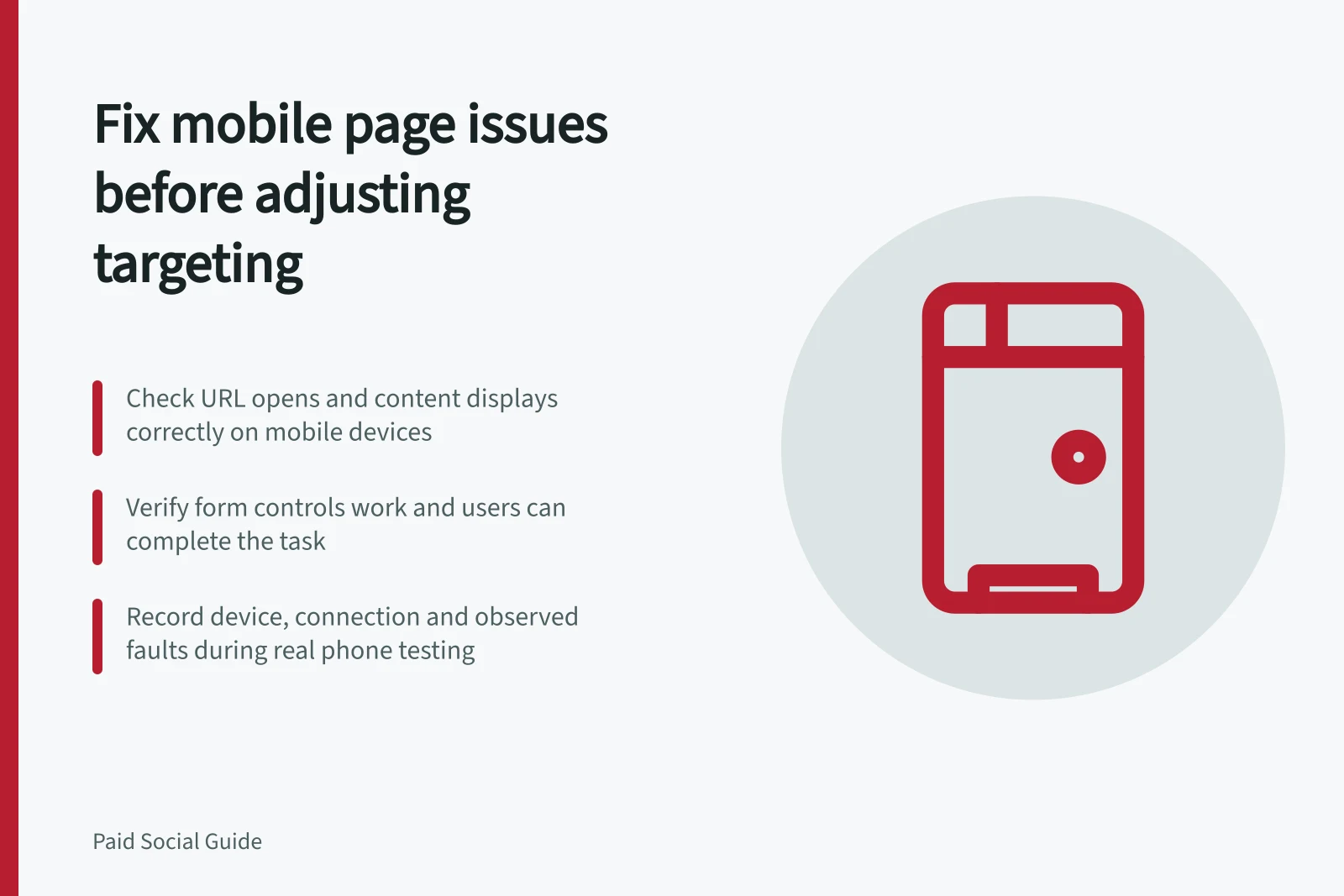
If paid social clicks produce few useful actions, inspect the mobile destination before changing the audience. Confirm the exact URL opens, the advertised information appears, controls work and the task can be completed. A weak result may still involve targeting, but a page fault makes any audience change hard to interpret.
Locate the possible break
Compare the same ad, destination and period using the measures available. TikTok's landing-page view requires a click and a successful load. A gap between relevant destination clicks and loaded-page views raises an access or loading question; it does not identify the fault. Counts from different systems may also follow different rules.
Observation / Mobile check
- Clicks with few loaded-page views
- URL, redirects, server response and first visible content
- Page loads with little useful action
- Offer visibility, legibility and next-step wording
- Actions start but rarely finish
- Required fields, error messages, checkout or enquiry handoff
- Several destinations change suddenly
- Recent site, consent, tag or reporting changes
Use these as investigation prompts, not an exact subtraction funnel.
Follow the actual phone journey
Open the ad URL with its campaign parameters on a phone, from the intended Australian location if location affects the offer. Use the page without a saved login. Scroll, tap the main action, use permitted sample details and inspect the confirmation. Check whether a banner blocks a control and whether form errors explain what to correct.
Record the device, connection, URL, time, page version and observed fault. Give priority to device and browser combinations that appear in the advertiser's own traffic records.
Separate speed from usability
A page may finish loading but still be hard to use. Google's Core Web Vitals cover loading, interaction responsiveness and visual stability. Field data describe measured real-user experience; a lab run can help investigate a change. Neither establishes that the offer or purchase path works.
If loading is poor, inspect redirects, large media and scripts with the site team. TikTok's loading guidance recommends reducing redirects, delaying non-essential media and avoiding unnecessary scripts. Confirm a repair on the same URL and phone journey before comparing later periods.
Reconsider targeting with the page state known
If the page and business handoff work, examine whether the ad reaches people eligible for the offer. Review service area, ad wording and the quality of enquiries or orders.
If a page fault remains, record it when interpreting audience results. Where feasible, separate the dates of a page repair and an audience change; if both change together, do not credit the later result to either one alone.