Creative Testing
Part of Paid social creative experiments
Naming creative variants so results can be traced
Connect readable creative names, platform ad IDs, approved assets and dates so a report can be traced to the version that ran.
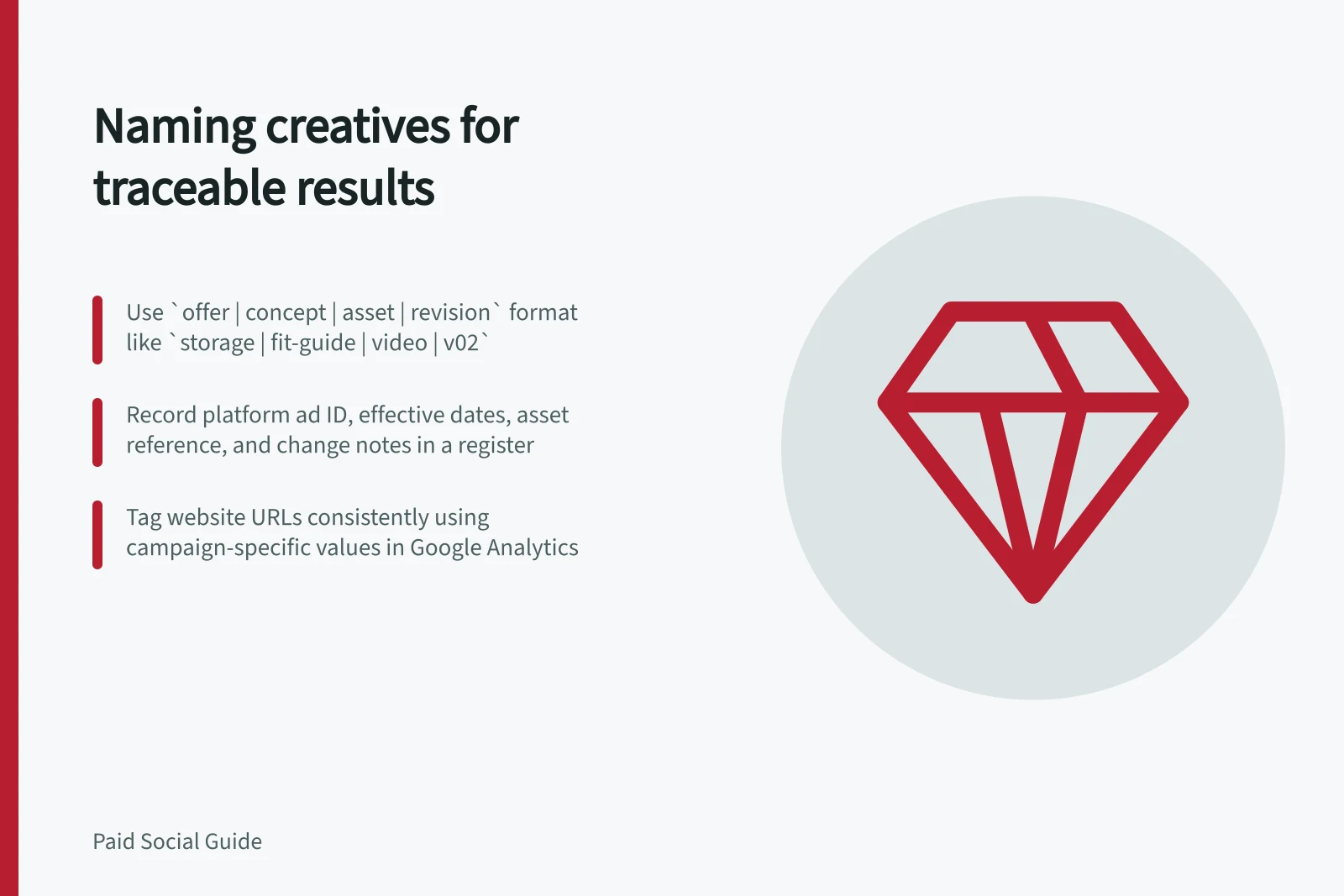
Give each creative version a label people can recognise, then connect it to the platform ad ID, approved asset and dates in a register. The label describes the variant; the platform ID identifies its ad record. Neither alone proves which asset was live at every point if an ad was edited.
Name the message and revision
A workable pattern is offer | concept | asset | revision. For a hypothetical home-storage campaign, storage | fit-guide | video | v02 identifies a message and asset revision without claiming any result.
Define each field once. The concept should name the customer question or answer, such as fit-guide or assembly-demo.
Give a new revision when approved wording, footage, crop or destination changes. Use consistent spelling, case and separators so a report can group variants. Keep customer details and sensitive targeting information out of names.
Keep the record behind the name
Create one row for each live version. Record the platform, account, campaign and group identifiers; platform ad ID; variant name; approved copy and asset reference; destination; effective dates; and the reason for any change.
If an ad is edited in place, retain the earlier version and its dates in the register. Do not assume the ad ID identifies a single unchanging asset.
Field / Question it answers
- Platform ad ID
- Which ad record produced the report row?
- Variant name
- Which concept and revision was intended?
- Asset reference
- Which approved file was uploaded?
- Effective dates
- When was that version eligible to deliver?
- Change note
- What changed, and why?
Keep platform ad IDs in the register so you can locate the relevant records in the platform. Check the current instructions before using a bulk-edit workflow.
When using a platform export, check the available fields before designing a reporting join.
Tag website destinations consistently
For website traffic measured in Google Analytics, use a consistent URL-tagging plan. Google provides URL-builder guidance for collecting campaign data with custom URLs. Record the values used. Use a creative-specific value only if it uniquely identifies the intended version in the organisation's tagging plan.
A URL tag helps identify tagged website traffic. It does not prove the ad caused a sale and does not label an in-app form submission that never visits the website. Keep the relevant platform and form identifiers in the working record.
At review, export the intended period and reconcile each ad ID and date with the register. Check the asset, destination and version that were live then. Preserve old and new names after a rename, and do not reuse a retired label for a different concept.