Creative Testing
Paid social creative experiments
Plan a paid social creative experiment around a business decision, choose a suitable comparison and interpret the result with delivery and measurement limits in view.
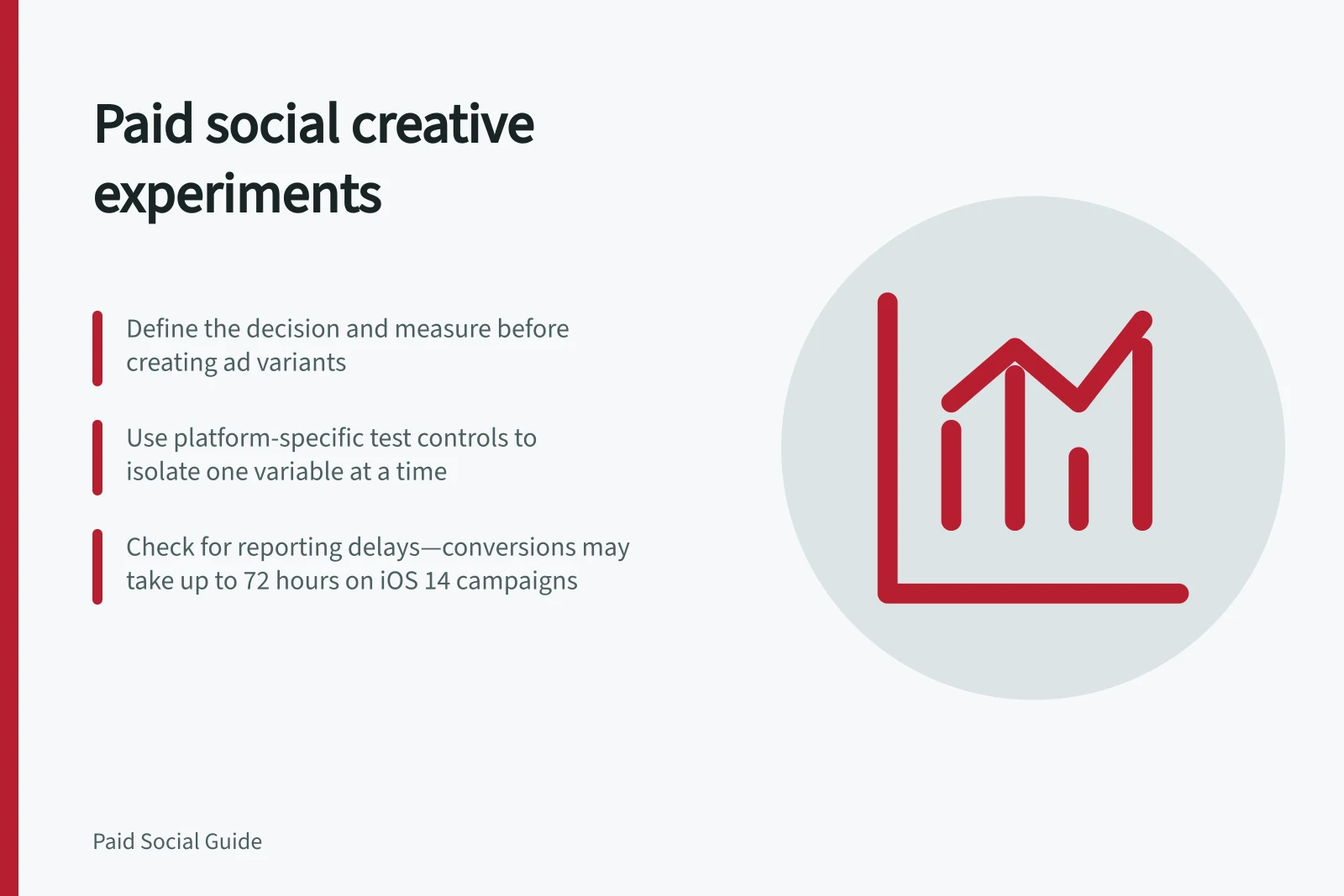
A paid social creative experiment should answer a decision: which message helps an eligible customer take a useful next step? Choose that decision and its measure before making variants. Keep the offer, audience, destination and outcome definition consistent enough to interpret the result.
Set the question
An Australian service business might compare an ad explaining who is eligible with one showing how booking works. Those are different messages. A button-colour change answers a narrower question.
Choose a primary measure that fits the decision. Clicks and landing-page views help explain initial response; confirmed orders or assessed enquiries show whether that response was useful. If useful outcomes are scarce, describe the finding as directional. Set an affordable spend limit and review date before launch.
Record before launch / Purpose
- Customer question and proposed messages
- Defines the creative difference
- Eligible audience and location
- Keeps the comparison relevant
- Offer, material conditions and destination
- Exposes other changes that could affect the result
- Primary measure and business outcome
- Separates platform response from business value
- Variant IDs, assets and dates
- Makes the result traceable
Key Metrics to Track in Paid Social Creative Experiments
- Primary Measure
- Clicks or landing-page views (initial response)
- Business Outcome
- Confirmed orders or assessed enquiries (useful action)
- Reporting Delay (iOS 14)
- Up to 72 hours for conversions to appear in Ads Manager
Choose a platform that fits the test
A platform is useful for an experiment only if it can reach the customers and support the outcome you want to measure. business.gov.au recommends considering whether your target customers use the platform, what you want your social media presence to achieve, and the time and resources you can realistically commit.
Use those criteria to check whether the intended platform and its available test controls suit the question. A platform's test options may limit which settings can be held constant or which outcome can be measured. LinkedIn documents A/B testing using the ad variable in Campaign Manager and provides a separate guide to reviewing results. Before committing to a comparison, confirm the available controls in the account.
Check the comparison method
TikTok's split-testing tool compares two versions using one selected variable and a key metric. Its listed variables include Creative and Creative Assets, but some combinations are incompatible with campaign budget optimisation. TikTok advises scheduling a test for at least seven days. That schedule does not guarantee enough useful outcomes.
Two ordinary ads can still show delivery and response patterns, but they do not automatically form an isolated experiment. Unequal delivery, audience overlap and auction conditions can affect their results.
Select an available test variable
TikTok lists several split-test variables: targeting, placement, creative, creative assets, catalogue, and bidding and optimisation. Creative tests can cover ad formats, videos, calls to action or description copy; creative asset tests can compare images, videos, formats or the opening seconds of a video. Choose the option that matches the uncertainty in your question.
TikTok allows only one variable per split test. Its compatibility guidance also says campaign budget optimisation is not compatible with targeting, creative, or bidding and optimisation tests. Check that the intended objective, campaign type, settings, placements and ad format are compatible before building the comparison.
In TikTok Ads Manager, create the campaign, choose an objective, enable the split-test option, and complete the ad group settings. Then select the test variable and key metric, create the test ad group, and complete the setup.
How to Set Up a TikTok Split Test
- Create the campaign and choose an objective
- Enable the split-test option in Ads Manager
- Select the test variable (e.g., creative assets)
- Choose the key metric for comparison
- Create the test ad group and complete setup
Review what happened
At the agreed date, compare spend, impressions and the chosen measure for each version. Check the business outcomes and note changes to tracking, the offer or the destination. A version with little delivery had limited opportunity to produce an outcome. A click advantage may disappear when enquiries are assessed.
Use platform result labels within their stated scope. TikTok can report a winning ad group or no winner at its stated 90% confidence level, based on the selected test metric. Neither label establishes lasting profit or additional sales caused by the ad; no winner is not proof that the versions perform identically, and a reported winner should be checked against the business outcome you set out to influence.
Record the settings, assets, dates, results and decision together. Keep a supported message, seek more evidence where the test remains eligible and affordable, revise a comparison that failed to isolate a useful question, or stop until the offer or measurement is ready.
Allow for how results are reported
In TikTok Ads Manager, open split-test results from the ad group view. The results view reports the system's finding, and custom columns can show other metrics.
For iOS 14 dedicated campaigns, TikTok says conversions may take up to 72 hours to be posted back to Ads Manager. Allow for that reporting delay before treating an apparent conversion difference as final, and check the relevant metrics in the results view or custom columns.
In this guide
- Comparing concepts before testing minor design changesDefine distinct ad messages, compare them on a useful outcome and decide when a smaller creative edit deserves its own test.
- Naming creative variants so results can be tracedConnect readable creative names, platform ad IDs, approved assets and dates so a report can be traced to the version that ran.
- Distinguishing creative fatigue from a tracking problemCompare ad response, event reporting and business outcomes to investigate a performance drop before replacing creative.
- Turning a weak ad test into a useful next hypothesisInterpret a weak or inconclusive ad test, identify the uncertainty it leaves and write a specific next creative hypothesis.