Account Reviews
Paid social reporting and account reviews
Review paid social delivery, attributed results, business outcomes and account changes before recording the next decision.
Separate what ads delivered, what the platform attributed and what the business recorded. Begin with the decision due at the review. An attributed purchase follows a platform’s reporting rules; it is not automatically a confirmed order, a new customer or an additional sale.
Set the review boundary
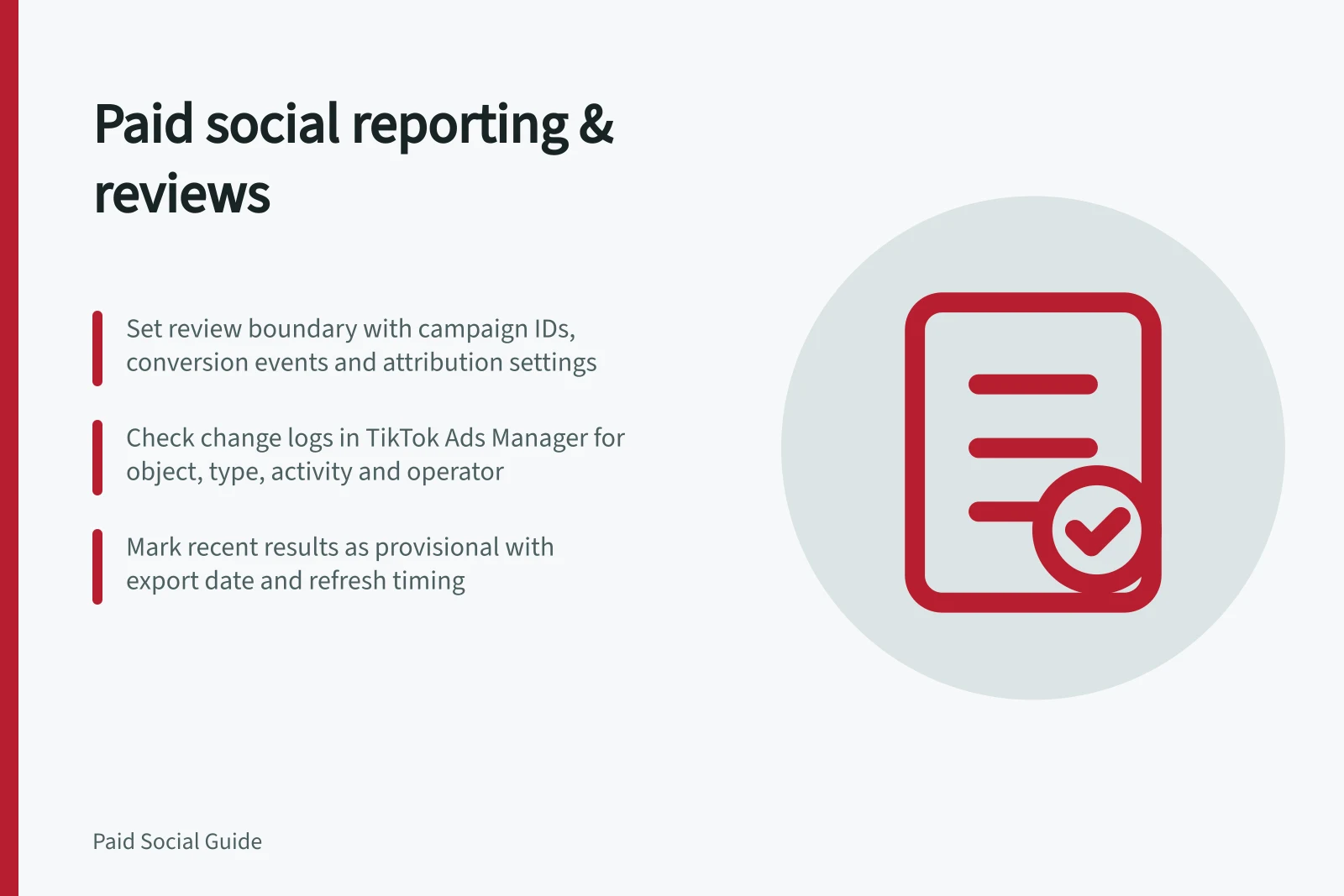
Record the reporting period, account time zone, spend currency, campaign IDs, conversion event and attribution settings. Note material changes to the offer, destination, tracking or campaign setup. Choose the business record relevant to the decision: confirmed orders for a retailer, for example, or enquiries assessed against a written eligibility rule for a service business.
| Layer | Show | Ask |
|---|---|---|
| Delivery | Spend, status, impressions and relevant clicks | Did the approved work run? |
| Platform results | Attributed events and value, with their definitions | What did the platform credit to the ads? |
| Business results | Confirmed orders or assessed enquiries | What useful activity did the business record? |
| Decision | Action, owner and next review date | What happens next? |
Show counts and spend beside rates. A cost per result based on very few outcomes needs that context. Business-wide orders and platform-attributed purchases may have different populations; do not present them as matched campaign results without a suitable connection.
Check what the total contains
Identify each campaign’s role from its settings and dates. Acquisition, remarketing and customer re-engagement answer different questions. Keep mixed or unverified work visible rather than assigning it from the campaign name alone.
Compare customer status in business records where it matters. An acquisition-labelled campaign can still reach an existing customer.
Review changes to access, billing, active ads, destinations and conversion settings before recommending an edit. TikTok change logs can identify the time, affected object and operator for account and campaign changes. A log does not establish why an edit was approved.
Interpret roles against business goals
A campaign role is easier to assess when tied to a stated business goal. Goals may include attracting new customers, communicating with existing customers, positioning the business as an expert or promoting the brand to a new market. Record the intended goal so a platform result is judged against the work the campaign was meant to do.
Platform choice also affects what a review can reasonably assess. Consider whether the target audience uses the platform, what market research indicates, what competitors are doing and whether the business has the time and resources to manage the channel. business.gov.au advises that using one or two channels well can be better than spreading effort across many.
Use change history to check account state
TikTok Ads Manager change logs can be viewed at account level or for specific campaigns, ad groups and ads. The records include the object name, type and ID, the activity and its details, and the operator. Campaign and ad logs can also show review-status changes.
For an account-level view, open the Dashboard and select Log under Today’s Spends; filter by Campaign, Ad group, Ad or Conversion. For campaign or ad history, use the corresponding tab on the Campaigns page and open its log. To view ad group changes, click the three-dot icon under the ad group name.
Change logs can be exported by category and time range, which can help preserve the history relevant to a review.
TikTok Ads Manager Change Log Events
- Object Type
- Campaign
- Activity
- Updated conversion event to 'Purchase'
- Operator
- [email protected]
Mark recent results provisional
People may act after an ad interaction, and reported conversions may appear after further processing. Record when the report was exported, the date basis used by each system and when the figures will be refreshed.
Conversion reporting timing can vary by data source. Check the relevant platform documentation when assessing whether results are provisional.
Investigate an unexplained change in figures; do not automatically call it either improved performance or ordinary lag. Check the event source, reporting definitions and relevant business records.
Record a bounded decision
Continue under the current approval, investigate a named discrepancy, make a specified change or pause pending evidence. Give the action an owner and review date. A stronger attributed return alone does not justify more spend when the order population, customer mix or reporting delay is unclear. Ordinary attribution reports do not establish how many additional sales advertising caused.
Paid Social Account Review Checklist
- Verify reporting period and time zoneEnsure all data aligns with AEST and correct campaign dates
- Confirm spend currency and campaign IDsUse AUD; cross-check IDs across platforms
- Review change logs for recent editsCheck TikTok and Google Ads logs for unauthorised or unexpected changes
- Mark recent results as provisional if neededNote when data may be updated post-processing
- Assign owner and next review dateDocument decision with accountability and follow-up
In this guide
- Building a report that separates acquisition from remarketingClassify campaign roles, build comparable reporting rows and keep uncertain delivery visible when reporting acquisition and remarketing.
- Explaining reporting lag to a business ownerExplain why recent paid social conversions can change, how ad dates differ from order dates and when figures remain provisional.
- Auditing an account after an agency handoverCheck ownership, partner access, spend, live ads, change history and reporting continuity after a paid social agency handover.
- Checking whether reported efficiency comes from existing customersCheck first and repeat orders beside paid social results, while keeping customer mix separate from unverified ad attribution.