Account Structure
Part of Paid social reporting and account reviews
Auditing an account after an agency handover
Check ownership, partner access, spend, live ads, change history and reporting continuity after a paid social agency handover.
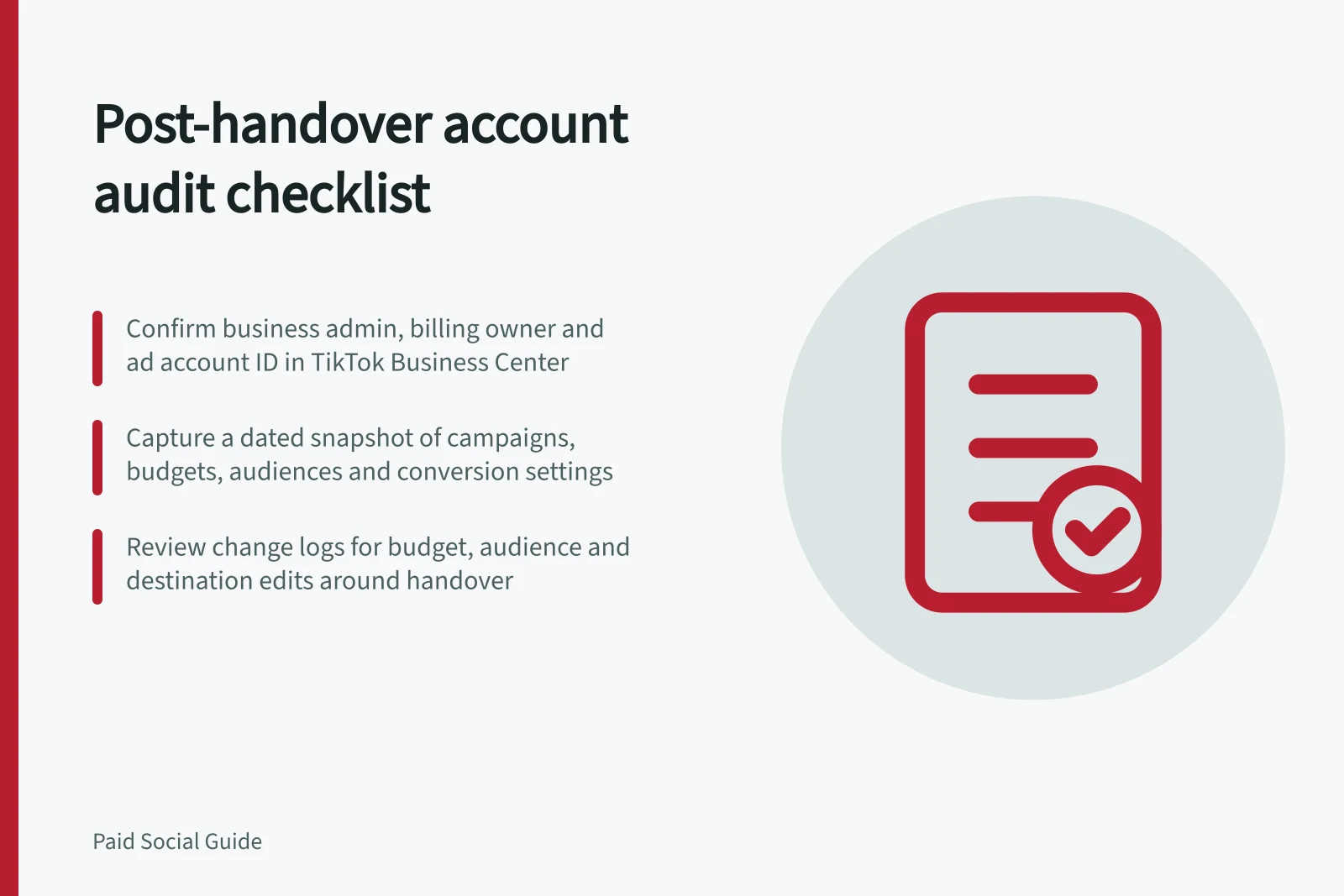
After an agency handover, confirm who controls the ad account, connected assets and spend. Capture a dated snapshot of the live setup, compare it with a written handover list, review available change history and assign every gap an owner. A dashboard total is hard to interpret if access, settings or conversion definitions changed without a record.
Verify business control
Identify the business-side administrator, ad account ID, billing owner and anyone who can edit campaigns. List only the Pages or profiles, tracking assets, catalogues, audiences and lead destinations used by active work. Check permissions from the business's account, then confirm which former partner access remains authorised.
Removal depends on the platform and sharing arrangement. For TikTok, the current Business Center administrator must be an Admin and the ad account must have been shared with the partner. Confirm the resulting access state before you call the handover complete.
Log in to TikTok Business Center and click Partners, then select the partner. In Direct Business Center, select the partner from the list; in Agency Business Center, use View details for the relevant Company or select the Direct Business Center from the list, and use the Companies or Other accounts tab where applicable. In You've shared, find the ad account, click the trash-can icon in Actions, then Confirm.
For LinkedIn, include Business Manager partnerships in the access check and LinkedIn Campaign Manager in the campaign inventory. Record which partnerships remain authorised and which business-held assets and campaigns the team can access.
For Facebook or Instagram work, include the Page or profile and ad account in the handover inventory. If the inventory does not document business access and any remaining partner access, mark those items unverified rather than assuming they are controlled by the business.
Capture a dated account snapshot
Record the snapshot date and time, active and scheduled campaigns, IDs, status, objectives, budgets, dates, audiences, exclusions, ads and destinations. Export the relevant reporting period with its time zone, currency, conversion definitions and attribution settings. Record the approved spend boundary and any billing items the business still needs to resolve.
Use a written, confirmed handover list as the comparison record. It should identify creative files and source assets, reporting history, campaign structures, audience and list data, documentation and process notes, and anything scheduled to publish after the agency's last day.
In LinkedIn Campaign Manager, include available campaign and measurement records in the snapshot; the platform is used to create and manage campaigns and measure ROI. Keep relevant historical exports with the snapshot so later reporting comparisons have a dated reference.
Compare the snapshot with the latest brief and approvals. A campaign name or current setting does not show the business approved it. If an approval record is missing, mark the issue as unknown.
Match the billing owner shown in account records with the business's confirmation, and compare live budgets and recorded spend with the approved spend boundary. If the owner, boundary or billing evidence is absent, record that gap and assign it an owner rather than assuming the spend is controlled.
Review changes and immediate risks
TikTok change logs record the time, object name, type and ID, activity, activity details and operator. For account logs, go to Dashboard and click Log under Today's Spends; filter by Campaign, Ad group, Ad or Conversion. Export a category and time range as needed.
For campaign, ad-group and ad logs, go to Campaigns and select the relevant tab. Click Log under a campaign or ad name to review changes to campaigns, ads and review status. For ad-group changes, use the three-dot icon to review status, details, targeting, budget and schedule, bid and optimisation, audiences and ad creation.
In LinkedIn Campaign Manager, retain available campaign and measurement records with their dates and IDs. If no change-history record covers the handover period, mark history coverage as unverified; do not infer an operator or reason from the current setup alone.
Examine material changes around handover, including budget, audience, destination and conversion edits. Ask for the business reason when the log does not provide it, and mark history coverage as unverified if you cannot confirm the relevant period.
| Conditional finding | First response |
|---|---|
| Spend may exceed current approval | Confirm the limit and apply an appropriate control or pause affected work. |
| Former partner retains access | Check shared assets and complete the platform’s removal process. |
| A live ad points to an old offer | Compare the destination with the approved offer; correct or pause it. |
| Conversions changed after a tracking edit | Mark the reporting break and arrange a focused event check. |
| Audience role cannot be established | Keep its spend unclassified until settings and dates are known. |
Address unauthorised spend and inaccurate live offers before presentation issues.
Hand over a usable issue register
Confirm which conversion source and lead or order destination belong to the business workflow. Compare reporting exports across the handover using the same time zone, currency, conversion definitions and attribution settings; note any differences rather than treating the totals as continuous. Retain the event specification, relevant exports and recent site-change record.
If third-party website pixels are involved, have the privacy owner review the current data flow, including the purpose for collecting the data and how much is needed. Record each issue's asset, evidence, risk, owner, proposed action and verification date. Distinguish confirmed facts from items not yet verified.
Set the first post-handover review date once the business controls spend and can access the assets needed to interpret reporting.