Creative Testing
Part of Social lead generation ads
Comparing instant forms with website enquiry forms
Compare in-app and website enquiry forms by buyer context, qualification needs, delivery and qualified outcomes.
Use an instant form when someone can make a clear, brief request inside the social app, and a website enquiry form when they need more explanation or the business needs an existing site-based qualification flow. Meta Instant Forms on Facebook and Instagram, LinkedIn Lead Gen Forms and TikTok lead generation solutions are named paid-social options to compare with the website route. Compare qualified outcomes on a like-for-like basis before choosing.
What each route changes
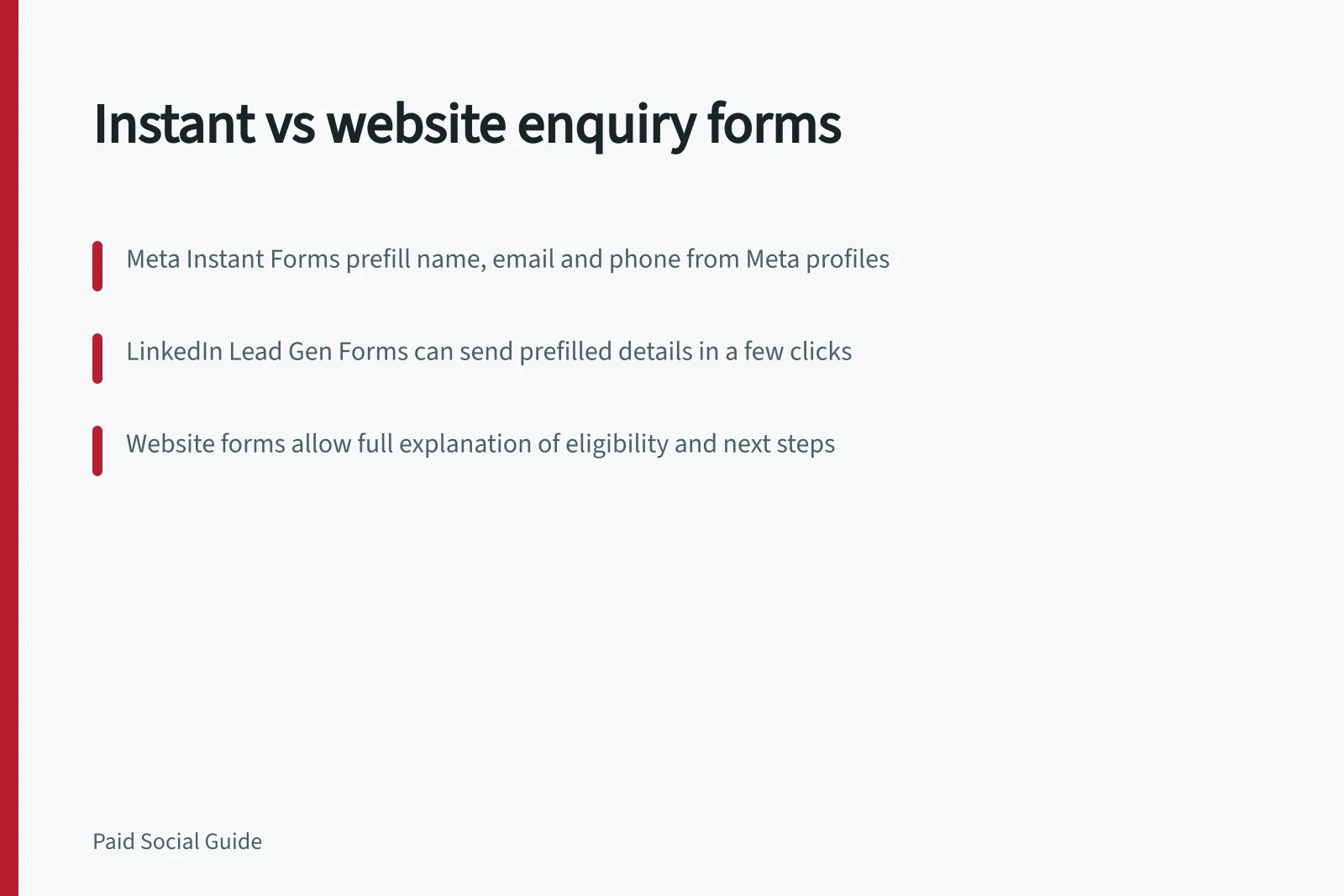
Meta Instant Forms, also called Lead Ads, open inside Facebook or Instagram, so a person does not leave the app. They can prefill name, email and phone details from a Meta profile, and the person can edit answers. The form includes an intro, questions, privacy policy and ending, with up to 15 custom questions.
LinkedIn Lead Gen Forms appear after a click on Sponsored Content or Message Ads and can prefill name, contact details, company, seniority, job title and location from a LinkedIn profile. A person can send those details in a couple of clicks, but prefilled details still need checking and do not prove eligibility or readiness to buy.
TikTok’s lead generation solutions are another named paid-social option. Assess the configured route separately rather than assuming its fields or behaviour match Meta or LinkedIn.
A website form can sit beside service details, eligibility conditions and a fuller explanation of the next step. The advertiser must maintain the page, mobile form and delivery into its own systems.
| Decision point | Instant form | Website form |
|---|---|---|
| A brief callback request is enough | Can capture it in-app | Useful if the page adds context |
| Eligibility needs explanation | Put essential limits before submission | Provides more room for detail |
| Existing qualification logic is required | Check whether the account’s form controls support it | Can use the existing site flow |
| Delivery | Configure download or integration | Maintain the site-to-CRM route |
LinkedIn leads can be downloaded from Campaign Manager or integrated with a preferred marketing automation or CRM tool. LeadsBridge is a named connection option for Meta instant forms; keep the website’s existing site-to-CRM route in view when comparing delivery.
The table covers practical considerations, not predicted conversion rates.
Pros and cons of instant forms versus website enquiry forms
- Pros: Instant forms (Meta, LinkedIn, TikTok)Faster user journey; pre-filled data reduces friction; no app exit; quick setup
- Cons: Instant formsLimited customisation; less control over eligibility checks; may collect incomplete or unverified data
- Pros: Website enquiry formsFull control over content, eligibility rules, and CRM integration; better for complex offers; supports detailed privacy notices
- Cons: Website formsRequires ongoing maintenance; longer user journey; higher drop-off risk
Compare the complete journey
Keep the same offer, audience, eligibility rule and promised follow-up for both routes, and compare them over the same period. If one route asks for a simple callback and the other demands a detailed specification, the comparison tests different requests as well as different form locations.
Check each route on a phone. For Meta, review the intro, prefilled details, questions, privacy information, confirmation and lead delivery; for LinkedIn, check the prefilled profile information. For TikTok, inspect the configured route rather than assuming it matches another platform.
For the website form, review the page, required fields, errors and completed-record delivery. Verify that an enquiry reaches the intended owner before using either route at scale.
Count submissions, contactable records, qualified enquiries and later conversations over the same period. Apply the same qualification rule to both routes, and check missing details, out-of-area enquiries and handover failures.
Track cost per submission alongside cost per qualified enquiry. A low cost per submission is useful context; cost per qualified enquiry better reflects whether the route produces requests the team can pursue.
For an Australian advertiser covered by the Australian Privacy Principles, the OAIC’s APP 5 guidance says an APP entity collecting personal information must take reasonable steps to notify the person or ensure they are aware. This should happen at or before collection, or as soon as practicable afterwards if that is not practicable.
The notice covers matters including the entity’s identity and contact details, collection purposes, usual disclosures, privacy policy information and likely overseas disclosures, including countries where practicable. Review the notice on either route and check what information reaches the business’s systems.
Privacy compliance checklist for form collection under Australian Privacy Principles
- Notify person at or before collectionProvide identity and contact details of the entity collecting data
- State purpose of collectionClearly explain why personal information is being collected
- Disclose usual disclosuresMention if data will be shared with third parties (e.g., CRM, automation tools)
- Include overseas disclosure detailsIf applicable, disclose countries where data may be transferred
- Provide access to privacy policyLink to full privacy policy on the form or landing page