Account Structure
Part of Paid social budgets and campaign pacing
Diagnosing a campaign that spends too slowly
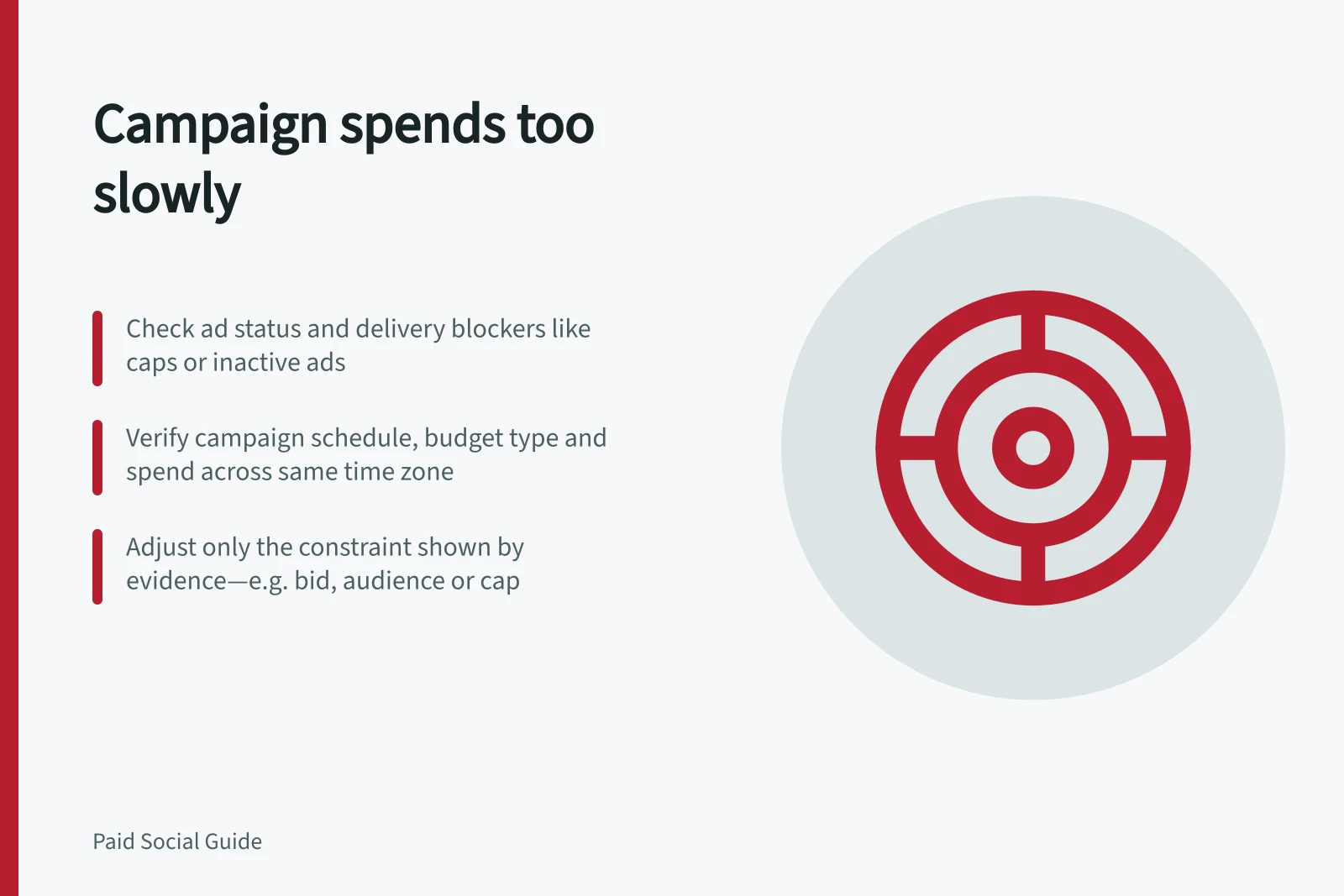
Check status, caps, billing, schedule, audience and bids before increasing a slow-spending paid social campaign's budget.
If a paid social campaign spends less than planned, first check whether it can deliver. An inactive or unapproved ad, a reached cap, a schedule mismatch or limited auction opportunity each requires a different response. Raising the budget before identifying the constraint may change nothing.
Confirm the shortfall
Compare cumulative spend with the approved plan across the same dates and account time zone. Check whether the budget is daily or lifetime, and whether delivery has only just begun. TikTok can spend unevenly across days, so one quiet day is weak evidence of a persistent fault.
Inspect impressions, spend and status at campaign, group and ad level. Zero impressions can result from an eligibility problem or a lack of suitable auction delivery; status details help distinguish them.
If one group is quiet, check whether the campaign as a whole is spending from a shared budget.
Check delivery blockers
| Finding | Inspect first | Next step |
|---|---|---|
| Ad is not eligible or active | Campaign, group and ad status; review result; dates | Resolve the displayed reason |
| Spend stopped near a limit | Campaign, group or account cap; billing state | Confirm approval before changing a limit |
| Active with few impressions | Audience, placements, bid and auction conditions | Change a constraint supported by the account evidence |
| One group quiet under a shared budget | Other groups' spend and allocation settings | Decide whether it needs a separate spend boundary |
Inspect the displayed ad status and any available details. TikTok lets advertisers inspect details for statuses such as Not delivering, Limited delivery and Pending.
Check the campaign end date and each ad group's schedule against the period when you expect delivery. If the campaign or ad group has ended, or the ad group's dayparting excludes the current time, delivery may be limited or absent; correct the schedule if it is not intentional.
TikTok's ad-account Budget Manager cap can pause ads once reached.
Under the billing arrangement, payment details and available funds or credit may also matter.
TikTok requires a daily campaign budget above $50 and a daily ad group budget above $20. For lifetime budgets, the campaign budget must be above $50, and the ad group minimum is the total number of days, including past days, multiplied by the minimum daily budget.
The campaign budget should not be lower than the ad group budget, as this can cause delivery issues.
TikTok budget requirements: daily vs lifetime
TikTok ad delivery success factors
- Ad eligibility
- Critical – unresolved issues block delivery
- Auction opportunity
- Limited by audience size, bid amount, and creative quality
- Budget constraints
- Minimums apply; exceeding caps pauses delivery
- Billing status
- Active payment method required; failed payments halt spend
Investigate auction constraints
If the ads are eligible, check whether their targeting and bids give them enough opportunities to compete. TikTok lists narrow audiences, bidding, overlapping ad groups and creative among possible delivery factors.
If auction ads underperform during the Learning Phase, give them a full 7 days to reach 50 conversions before significant edits.
Change the specific constraint indicated by the evidence and record what changed.
A higher budget helps only when its current ceiling is restricting spend and more spend is approved. A rejected ad needs its displayed issue resolved; a bid constraint calls for a bid decision against the business's acceptable outcome cost.
Check the result
After the platform processes a change, compare status, impressions and cumulative spend with the earlier period. Then check whether additional delivery produced suitable enquiries or confirmed orders.
More spend alone does not establish that the campaign was repaired. If delivery remains limited, retain the status and setting evidence for a focused investigation.