Account Reviews
Part of Social advertising policy and brand checks
Documenting account changes after a policy warning
Preserve the warning, log each correction and approver, and verify the displayed account state without claiming the issue is permanently resolved.
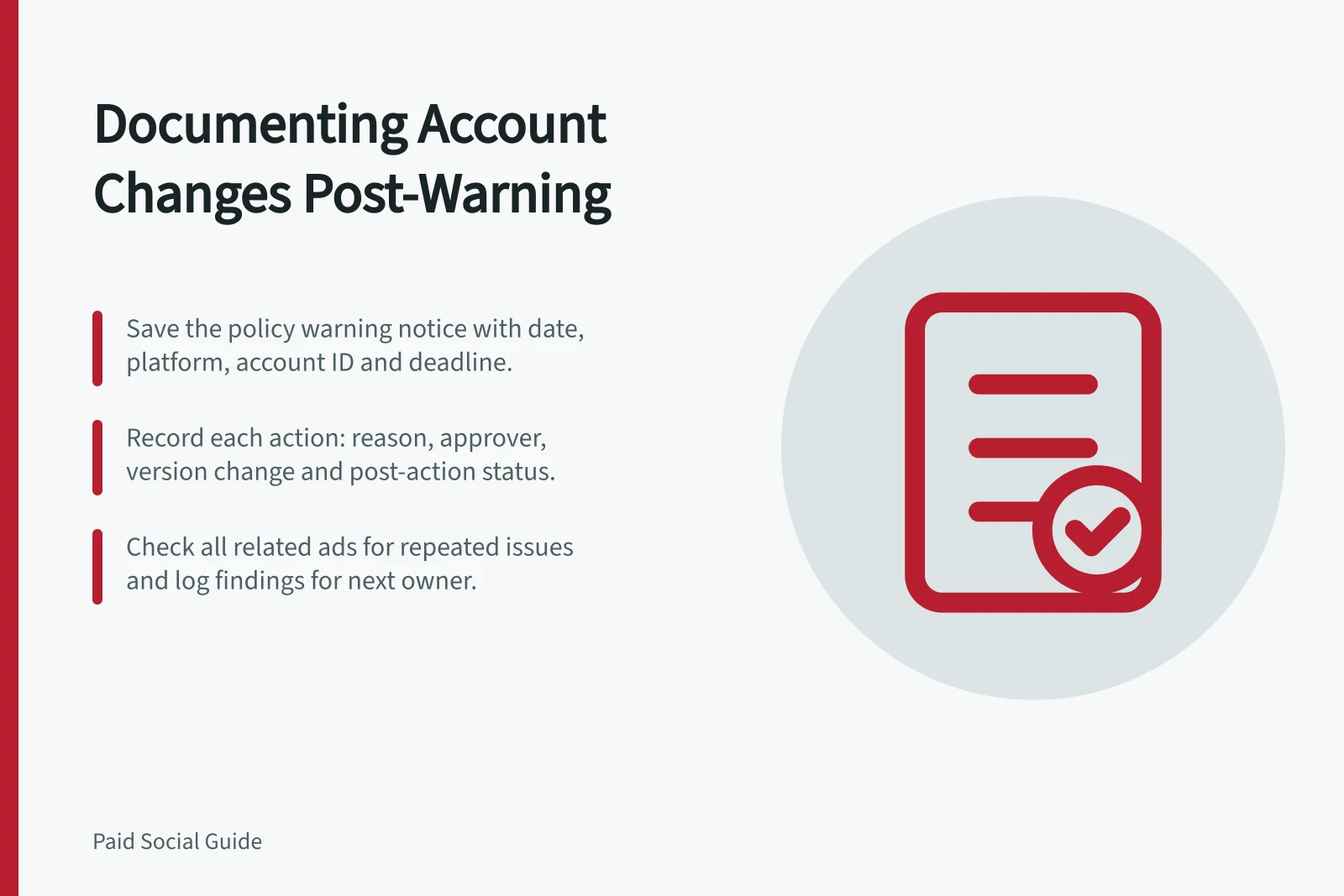
After a policy warning, save the notice and start a dated record of related decisions and changes. Record what the platform identified, what the team checked, who approved each action and what status the account showed afterwards. A warning alone does not establish that a particular edit will resolve the issue.
Capture the notice before editing
Save the warning text or a suitable screenshot, its date and time, platform, account ID, affected assets, stated policy area and any deadline shown. Note the current account and ad statuses. Keep customer details and access credentials out of the record.
TikTok says its Account Health area can show an Attention needed state with warnings and suggestions. It also documents suspension alerts with violation details and a potential suspension date. Read those details from the advertiser's own notice. If the account is suspended, record that state and follow the suspension-specific process: TikTok says a suspended account has restricted editing controls, so an ordinary ad correction may not be available.
Key Facts About TikTok Policy Warnings
- Account Health Status
- TikTok shows **Attention needed** in Account Health area
- Suspension Alert Details
- Includes violation description and potential suspension date
- Suspended Account Access
- Editing controls are restricted; standard corrections may not be available
- Landing Page Issues
- Changes after campaign creation can trigger warnings
Build the change trail
For each affected ad, page or relevant setting, retain the old version, proposed version, reason, approver and time of action. A compact log can use these fields:
Field / What to record
- Notice
- Exact concern and affected account or asset
- Finding
- Evidence found in the ad, page or account
- Action
- Pause, correction, removal, appeal or support request
- Ownership
- Person approving and person applying the action
- Verification
- Version and displayed status after the action
- Open issue
- What remains uncertain and the next review point
If a warning concerns a landing page, compare the live page with the ad's offer, capture any mismatch and record the corrected version. TikTok lists changes to a landing page after campaign creation among possible account-suspension issues. The list does not diagnose a particular warning, nor does it mean every page edit causes one.
Record the outcome accurately
After an action, check and save the displayed ad and account status. Record an appeal or support request and its result separately from the edit log. An active ad or cleared alert describes the platform's displayed state at that time; it does not prove the underlying claim is accurate or prevent another warning.
Inspect other live ads where the same claim, identity permission or destination issue may recur. Record what was checked and what was outside the review, then give the log to the next account owner.