Account Structure
Part of Social advertising policy and brand checks
Checking permission to advertise from a creator identity
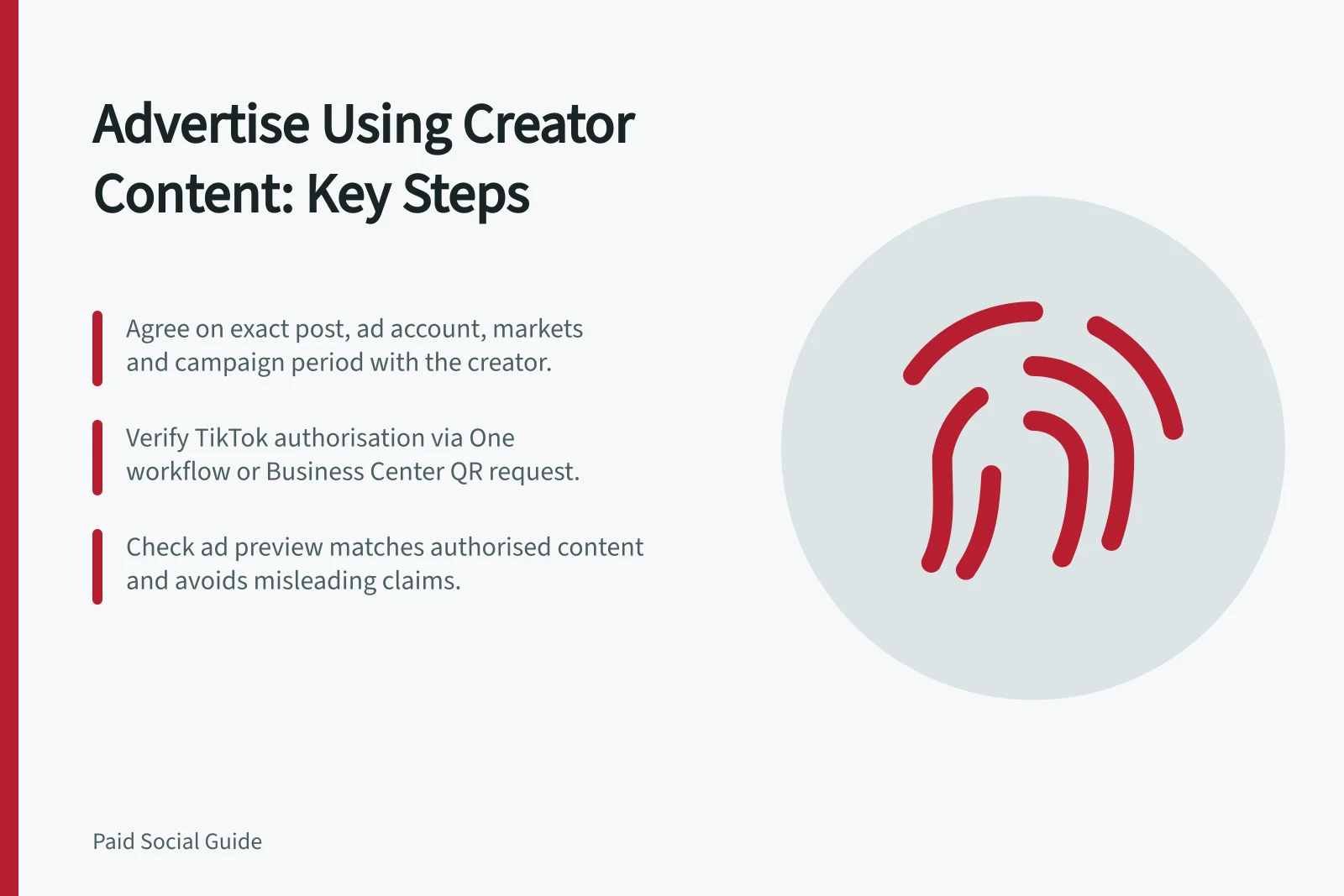
Confirm the agreed paid use, exact creator post or account permission, ad account and period before advertising from a creator identity.
Agree the specific paid use with the creator, then verify platform authorisation for the identity and content the ad will use. A public post, a tagged brand or a copy of a video does not itself give an advertiser permission to run an ad from the creator’s identity.
Define the approved use
Record the creator handle, platform, exact post or new asset, advertiser, intended ad account, markets, campaign period, edits and destination. Agree how use can be stopped or permission withdrawn.
Check music, footage, logos and other third-party material separately; access to a creator’s post does not establish rights in everything it contains.
For Australian audiences, the ACCC provides general guidance on how consumer law applies to social media promotions, including avoiding false or misleading claims, and can require businesses to back up claims they make on social media. Check that the paid message avoids false or misleading claims.
Key compliance points for Australian social media advertising
- ACCC consumer law guidance
- Required for all claims in social media promotions
- False or misleading claims
- Must be avoided; businesses must back up claims made online
- Third-party content rights
- Music, footage, logos require separate clearance even if in a public post
Check the TikTok authorisation route
For a Spark Ad using another creator’s post, TikTok documents authorised account or post routes. Its Identity setting includes Use other authorised account or post.
In the documented TikTok One workflow, an advertiser requests authorisation for a selected video and, once authorised, can sync it to the intended Ads Manager account or use its code. TikTok One access is required for that workflow.
A separate Business Center route lets the TikTok account holder approve a QR request for ad delivery. The available permissions include Existing posts and Publish and manage new videos.
Check that the creator’s agreement covers the permissions the route requires; if it does not, use a suitable post-specific route or resolve the scope before linking. The resulting account link must also be connected to the intended ad account.
Permission question / Evidence to retain
- Who approved it?
- Creator identity and platform authorisation state
- What is covered?
- Exact post or defined account permission
- Where may it run?
- Advertiser, ad account and agreed markets
- For how long?
- Agreement period and platform authorisation status
- What may change?
- Approved edits, destination and withdrawal process
Match permission to the final ad
Compare the authorised post, creator identity and final ad preview. Check that the ad does not imply a different product, claim or relationship from the agreed use. If the campaign period extends, the post changes or another ad account is used, check the agreement and platform authorisation again.
Platform authorisation supports the documented identity flow. Keep the agreement and rights checks with the approved asset so the team can amend or stop the ad if the authorised use changes.